
ZodQR Update: Capture Email, Custom Password Page and More
New ZodQR features are here: capture email for lead generation, custom password pages to match your brand, and more.
 Huong Pham2026-09-09
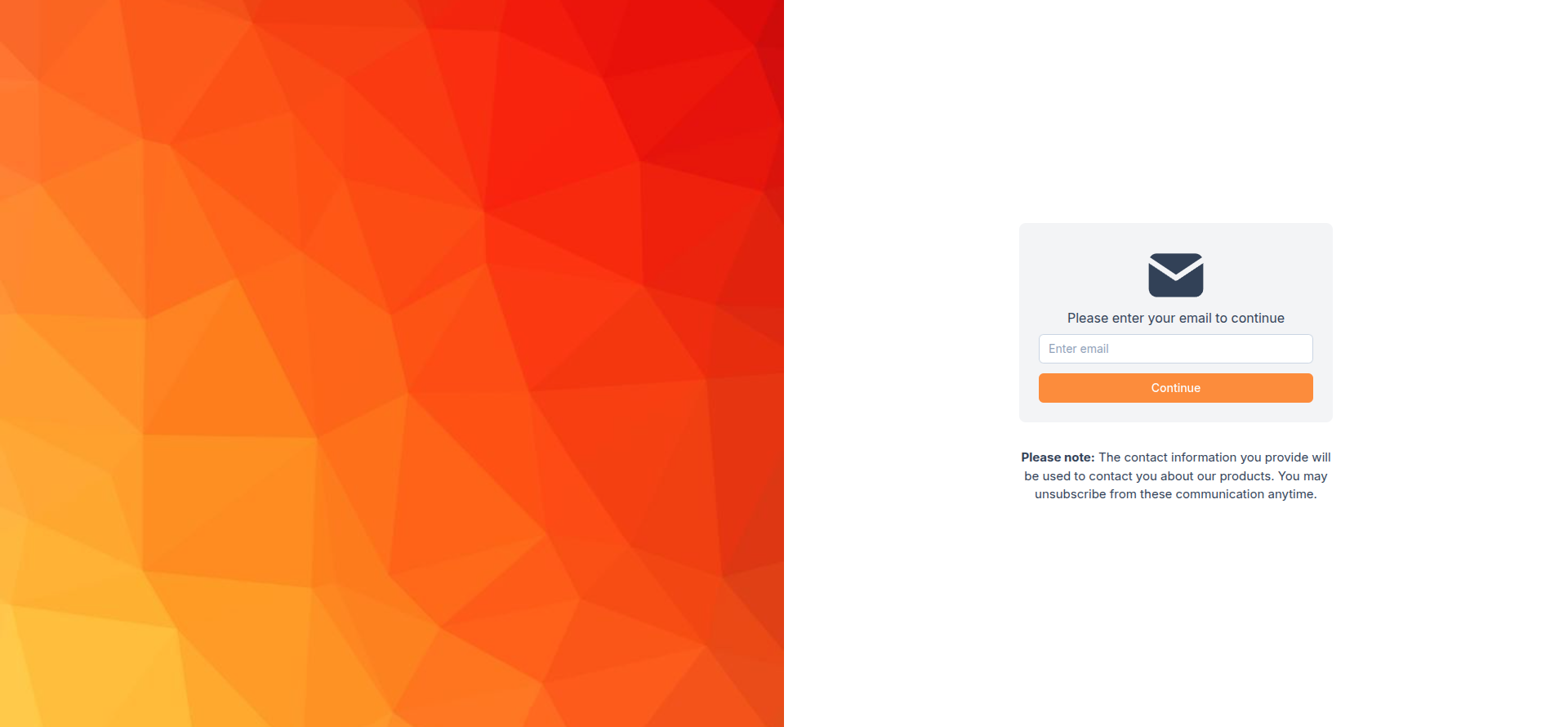
Capture email when users scan your QR code
Want to collect leads from your QR codes? You can now require users to enter and verify their email address before they can access your QR code content.
This is available for all dynamic QR code types.
To enable it:
- Create a dynamic QR code.
- In the configuration step, enable Capture email under Restrict QR scan.
- Download and share your QR code as usual.
To customize the capture email page:
- Select the QR code you want to edit.
- Under Capture email in Restrict QR scan, click Custom capture email page.
- Customize the page with your own image and text.
Custom password page to match your brand
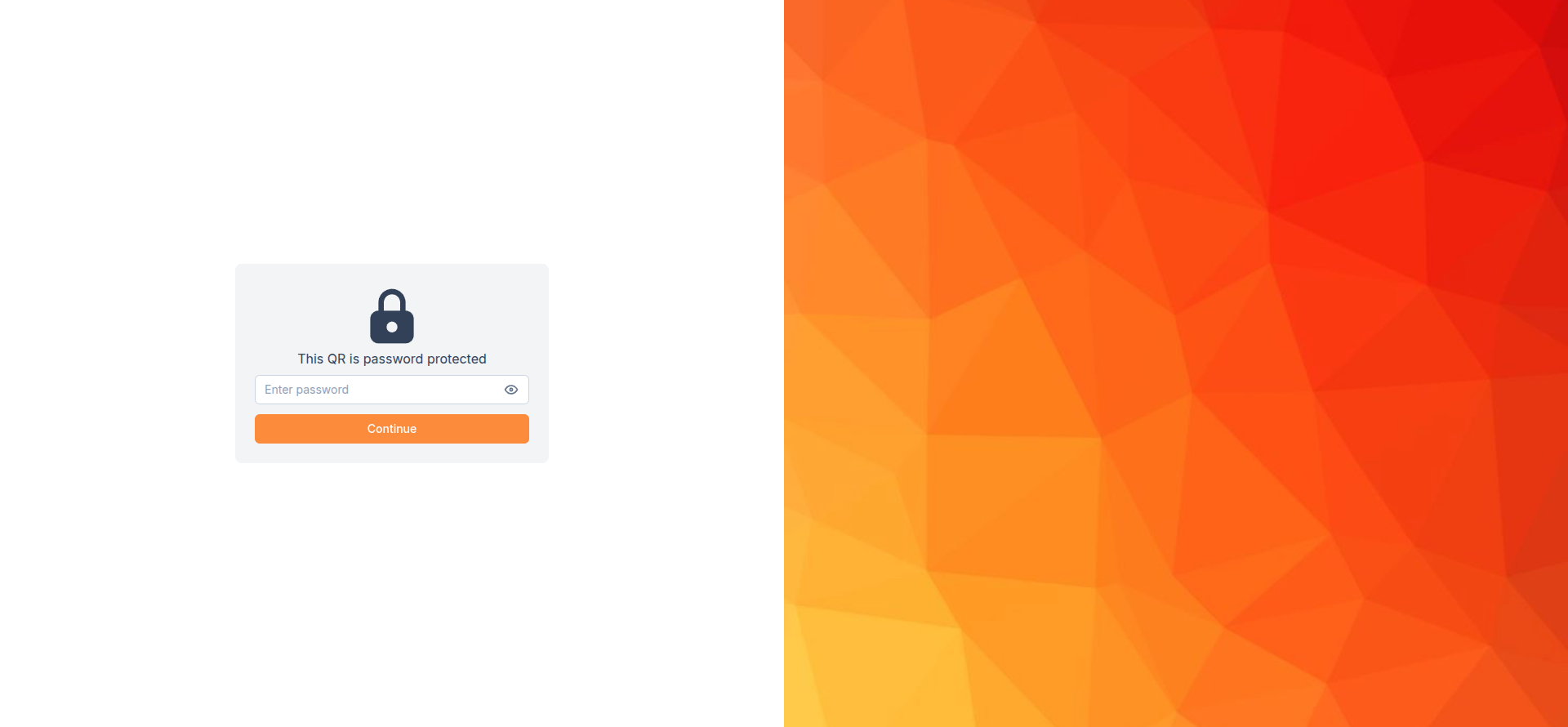
Password protection has been available in ZodQR for a while. Now, you can customize the password page to better match your brand.
To customize it:
- Select the QR code you want to edit.
- Under Password in Restrict QR scan, click Custom password page.
- Customize the page with your own image and text.
Disable PDF downloads
PDF QR codes let users view PDFs directly on their phones without needing another app. Both PDF and PDF collection QR codes now support an option to prevent users from printing, downloading, or taking screenshots of the PDF.
To enable it:
- Select PDF or PDF collection as your QR type.
- Add your PDF content as usual.
- Enable Disable PDF download.
New Grid block for Landing Page QR codes
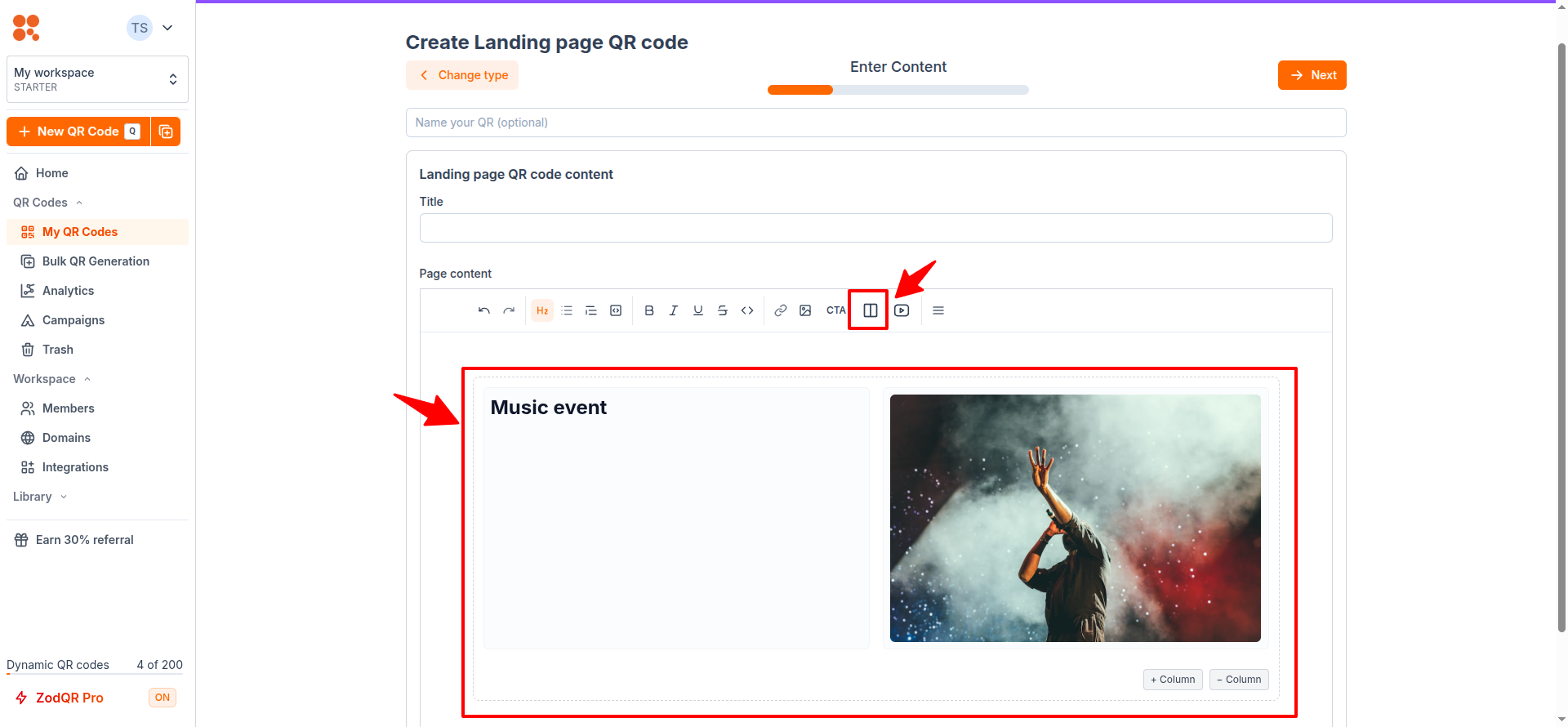
We've added a new Grid block to Landing Page QR codes. It lets you create layouts with 2 or 3 columns using the same simple, no-code editor.
The grid is responsive, so it may appear as a single column when previewing on a smaller screen. On larger screens, it will automatically use the number of columns you configured.
Increase upload file size
Free users now can upload file upto 10MB. All paid users can upload file upto 5GB. New storage limit of each plan also get update:
| Limit | Old limit | New limit |
|---|---|---|
| Upload file size | ||
| Free user | 5MB | 10MB |
| Plus subscription | 20MB | 5GB |
| Pro subscription | 80MB | 5GB |
| Business subscription | 250MB | 5GB |
| Storage | ||
| Free user | - | 100MB |
| Plus subscription | - | 5GB |
| Pro subscription | - | 25GB |
| Business subscription | - | 100GB |
With this change, ZodQR now can be used to share much larger file.