
Free Rating QR Code Generator
Get customer ratings for your products or services with a mobile-friendly page. Unlimited scans & never expire.
QR Content

Preview
Preview
We only provide dynamic QR codes for Rating since they contain a lot of data.
Design
Body Shape




What is a Rating QR Code?
ZodQR's Rating QR code is a free dynamic QR code solution to let your users/customers/audiences send you rating about your work by scanning a QR code. You can customize the question, rating score type and more.
What information can I display on a Rating QR Code?
When creating Rating QR code, you will have a mobile-friendly page with following elements:
- Your business name
- Photo of your business or service
- Your question to ask users about the service, for exampple: How was your experience with us today?
- Customizable rating score type
- Comment area
- Social media links with corresponding icon
- Link to your main website
Why ZodQR is the best free Rating QR code generator?
- No paid subscription required: with ZodQR, you can generate Rating QR code, keep it active forever without paying for monthly subscription.
- Customizable QR code: custom QR code color, shape, and add logo to your QR code is totally free with ZodQR.
- Advanced QR code features available for free: set password, schedule or set scan limit for your QR. You can also add tags or place your new QR in a folder for better management.
- QR code will never expire: QR code generated with ZodQR will never expire, even if you are in the Free forever plan.
- Full-suite QR code solutions: ZodQR is not only a Rating QR code generator. We have 30+ QR code solutions for all business purpose, and all free to create.
How to create a Rating QR code with ZodQR?
Creating a Rating QR code is free and easy with ZodQR. In just a few steps, you can collect feedback from your audience with a single scan.
- Sign up for a free forever account.
- Open the Dashboard and select Create QR Code > Rating.
- Enter your rating question, choose a rating type, and add your business details and social links.
- Configure your QR with password protection, scheduling, scan limits, tags, or folder placement if needed.
- Style your QR with colors, shapes, and a logo.
- Save your QR and download it.
Questions & answers
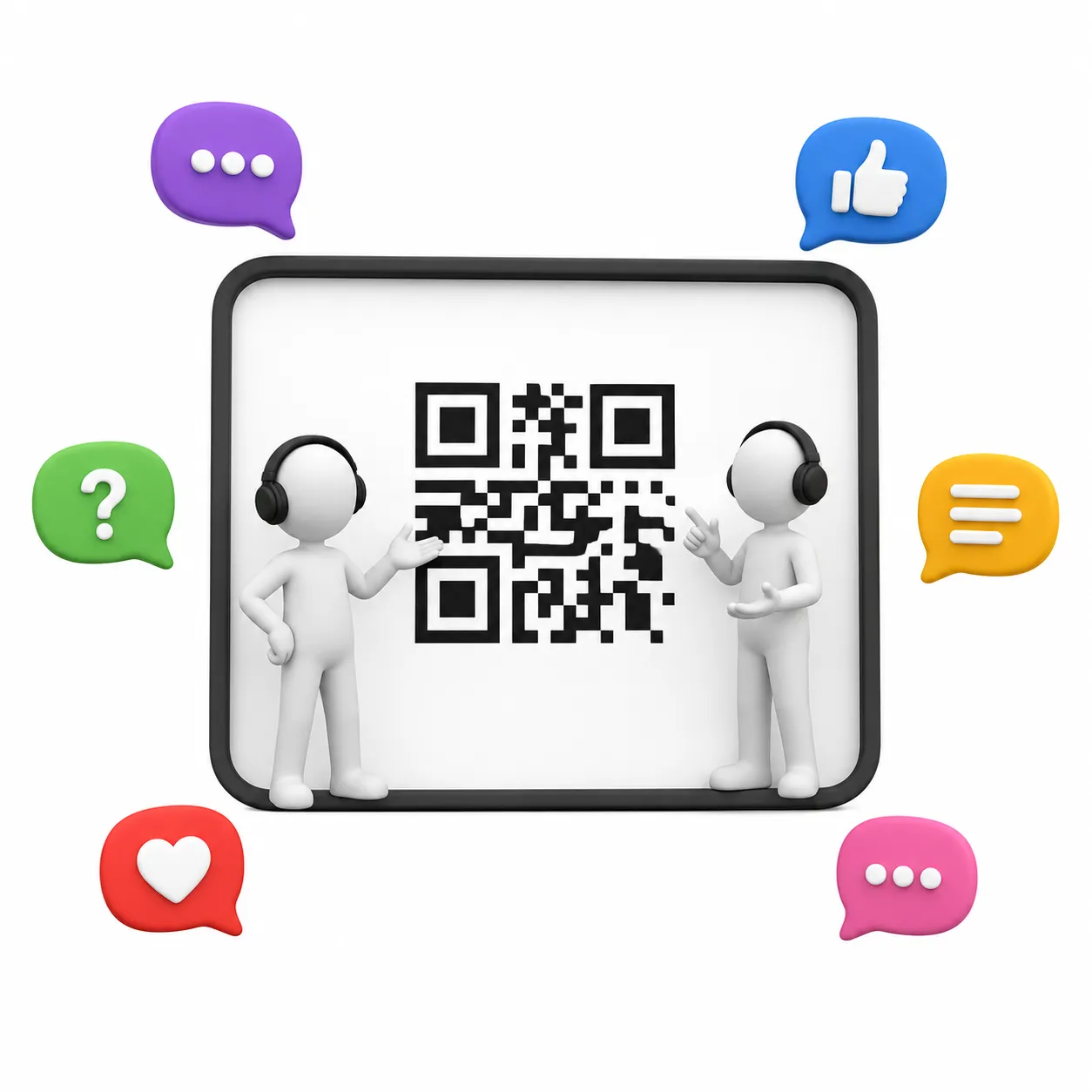
Yes. With ZodQR, you can create Rating QR codes for free. Sign up for a free account and start today!
Ready to create your Rating QR Code?
Start collecting customer feedback and ratings with a simple scan. Free forever for basic use.