
Free Digital Business Card Generator
Share your contact information in a mobile-friendly digital business card. Unlimited scans & never expire.










What is a vCard QR code?
ZodQR's vCard Plus QR code is a free dynamic QR code solution, where you can convert your contact information into a QR code. When scans, the QR code will show a mobile-friendly, customizable digital business contact page. The scanners can also save your contact to their phone with a single click - now you can make people connect with you easier than ever.
What information I can add to vCard Plus QR code?
When sharing your contact by converting it into QR code, you can add a lot of information into the contact page:
- Your name, company & role, short description about yourself
- Multiple phones (work/home), emails, websites and addresses
- Links to your social medias
Why ZodQR is the best free vCard Plus QR code generator?
- No paid subscription required: with ZodQR, you can generate vCard Plus QR code, keep it active forever without paying for monthly subscription.
- Customizable QR code: custom QR code color, shape, and add logo to your QR code is totally free with ZodQR.
- Advanced QR code features available for free: set password, schedule or set scan limit for your QR. You can also add tags or place your new QR in a folder for better management.
- QR code will never expire: QR code generated with ZodQR will never expire, even if you are in the Free forever plan.
- Full-suite QR code solutions: ZodQR is not only a vCard Plus QR code generator. We have 30+ QR code solutions for all business purpose, and all free to create.
How to create free vCard Plus QR codes with ZodQR?
Creating vCard Plus QR is free and easy with ZodQR. In just a few steps, you can add your contact details, photo, social links, and more to a mobile-friendly page.
- Sign up for a free forever account.
- Open the Dashboard and select Create QR Code > vCard Plus.
- Enter your contact details, including photo, name, company, role, phone, email, website, address, and social links.
- Configure your QR with password protection, scheduling, scan limits, tags, or folder placement if needed.
- Style your QR with colors, shapes, and a logo.
- Save your QR and download it.
Best use cases for vCard Plus QR Codes
- Business cards: Turn your traditional business card into a digital business card with a vCard QR code. Let people scan and instantly save your contact details to their phone—no typing required.
- Networking events: Share your contact information instantly at conferences, meetups, and networking events. A quick scan saves your details, helping you connect faster and never miss an opportunity.
- Sales & client meetings: Make it easy for prospects and clients to save your contact details during meetings. Boost follow-ups and conversions with a simple vCard QR code scan.
- Email signatures: Add a vCard QR code to your email signature so recipients can quickly save your contact information with one scan—perfect for professional communication.
- Marketing materials: Place your digital business card QR code on brochures, flyers, posters, and packaging to turn offline marketing into instant contact capture.
- Teams & employees: Equip your team with vCard QR codes for consistent and professional contact sharing across all touchpoints, from print materials to presentations.
Questions & answers
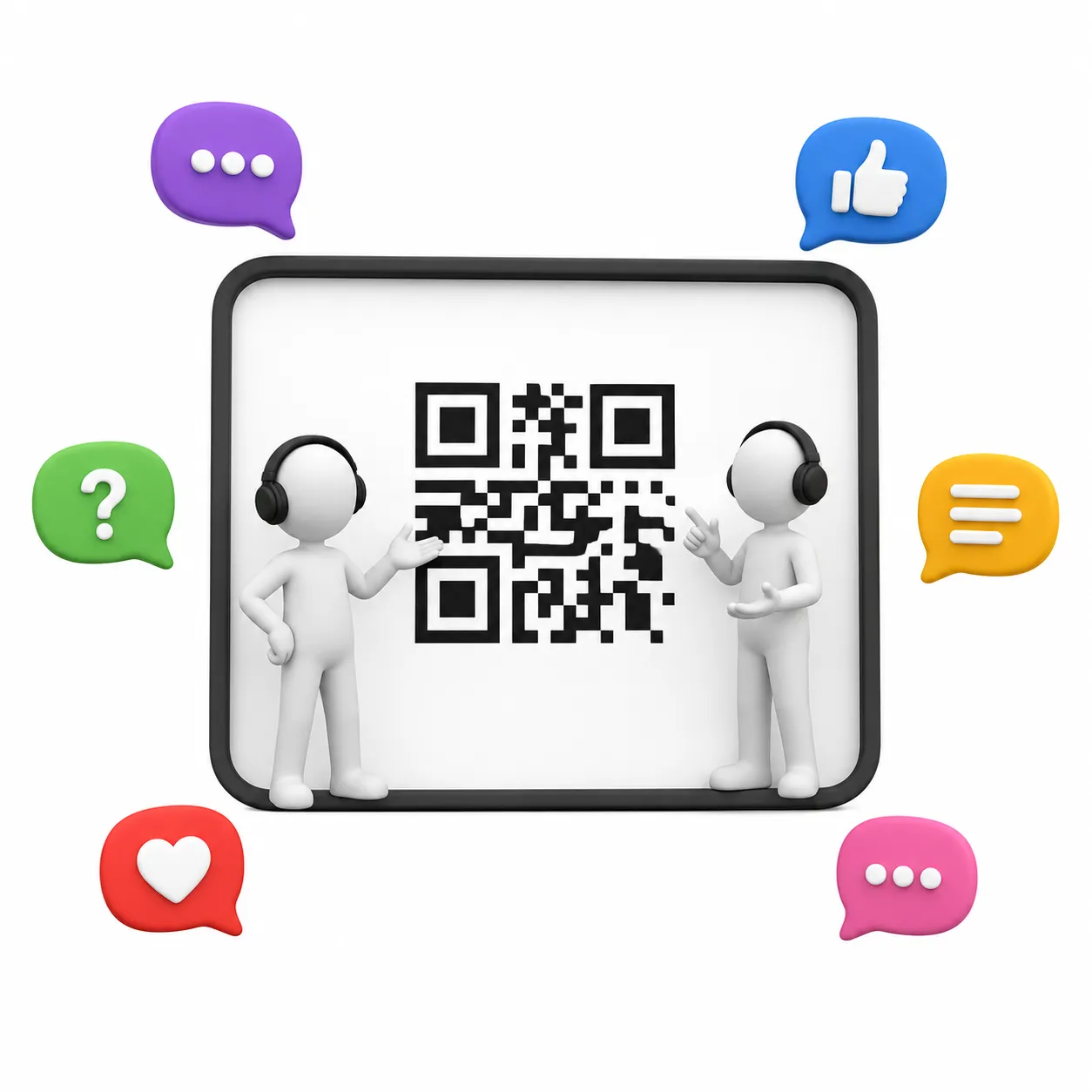
Yes. It's free to generate vCard Plus QR code with ZodQR. With free account, you can keep 5 active QR codes at a time.