
Business QR Code Generator
Create mobile-friendly, customizable business page with business info, contact details and social links.
QR Content
Zod Coffee House
Opening hours
Sat
Open now
8:00 AM - 5:00 PM
Sun
8:00 AM - 5:00 PM
Mon
8:00 AM - 5:00 PM
Tue
8:00 AM - 5:00 PM
Wed
8:00 AM - 5:00 PM
Thu
8:00 AM - 5:00 PM
Fri
8:00 AM - 5:00 PM
Facility Features
Location
Market Street 123
San Francisco, CA 94103
United States
About
Feel free to contact us for reservations, private events, or partnership opportunities.
Preview
Preview
We only provide dynamic QR codes for Business since they contain a lot of data.
Design
Body Shape





What is a Business QR Code?
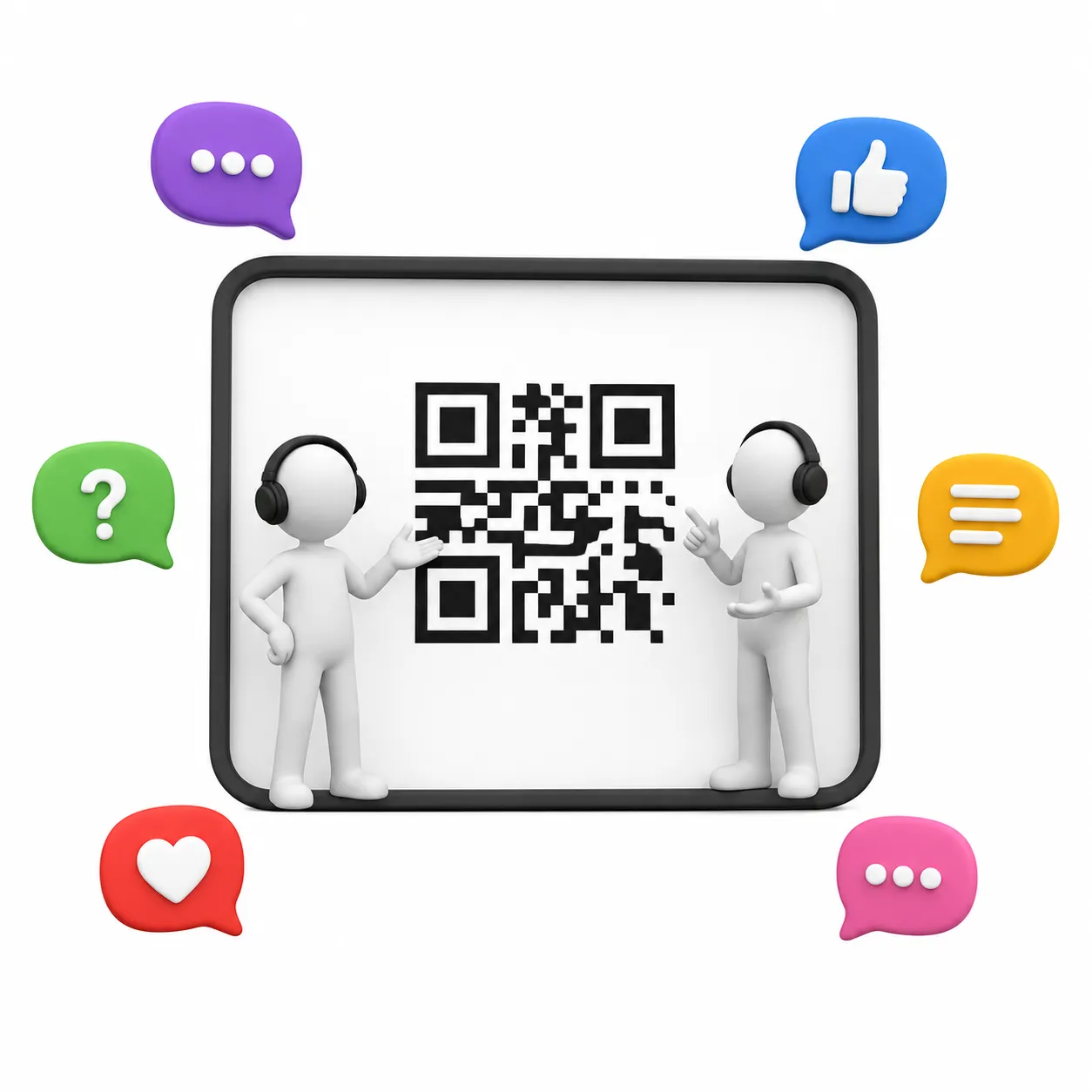
ZodQR's Business QR code is a free dynamic QR code solution to share succinct information in a customizable, mobile-friendly page. You can also add a CTA (call to action) button link to a page of your own website, or whichever page you want your users to view.
What information can I display on a Business Page QR Code?
A Business QR Code displays following details:
- Your business name
- Headline and description about your business
- CTA (call to action) button that link to the page you want
- Opening hours
- Address of your business that will connect to Google Maps
- Amenities feature
- Your contact information (name, phone, email, website)
- Links to your social medias
Why ZodQR is the best free Business Page QR code generator?
- No paid subscription required: with ZodQR, you can generate Business Page QR code, keep it active forever without paying for monthly subscription.
- Customizable QR code: custom QR code color, shape, and add logo to your QR code is totally free with ZodQR.
- Advanced QR code features available for free: set password, schedule or set scan limit for your QR. You can also add tags or place your new QR in a folder for better management.
- QR code will never expire: QR code generated with ZodQR will never expire, even if you are in the Free forever plan.
- Full-suite QR code solutions: ZodQR is not only a Business Page QR code generator. We have 30+ QR code solutions for all business purpose, and all free to create.
How to create a Business Page QR code with ZodQR?
Creating Business Page QR is free and easy with ZodQR, just follow the steps bellow:
- Sign up for a free (forever) account.
- In the Dashboard, select Create QR Code and choose Business page.
- Enter Business Page QR code content
- Config your QR code with password, schedule or scan limit. You can also add tags, customize your QR link or place your new QR in a folder for better management.
- Styling your QR code with custom shape, color, logo to match your brand needed.
- Click Save QR and your QR code is ready to download. Remember to test scanning your QR code before printing or sharing it.
Questions & answers
Yes. You can create Business QR code for free with ZodQR. All you need is create a free forever ZodQR account.
Ready to create your Business QR Code?
Build a professional business profile page and share your contact details with a single scan. Free forever for basic use.