
QR Codes on Flyers

Plan to promote your event, new product or special offer with flyers? Add a ZodQR free QR code to enhance your marketing effectiveness and broaden your online network with a simple scan.
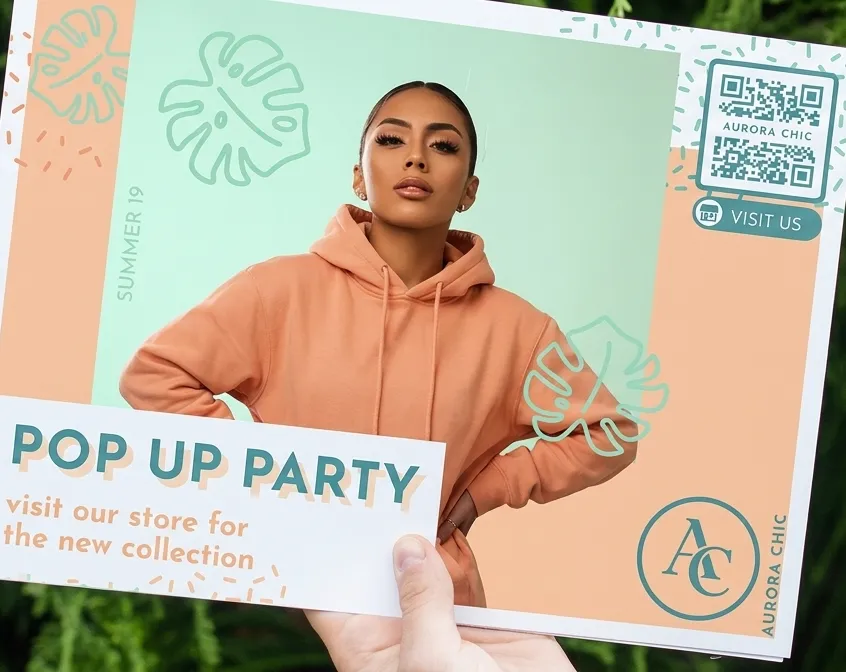
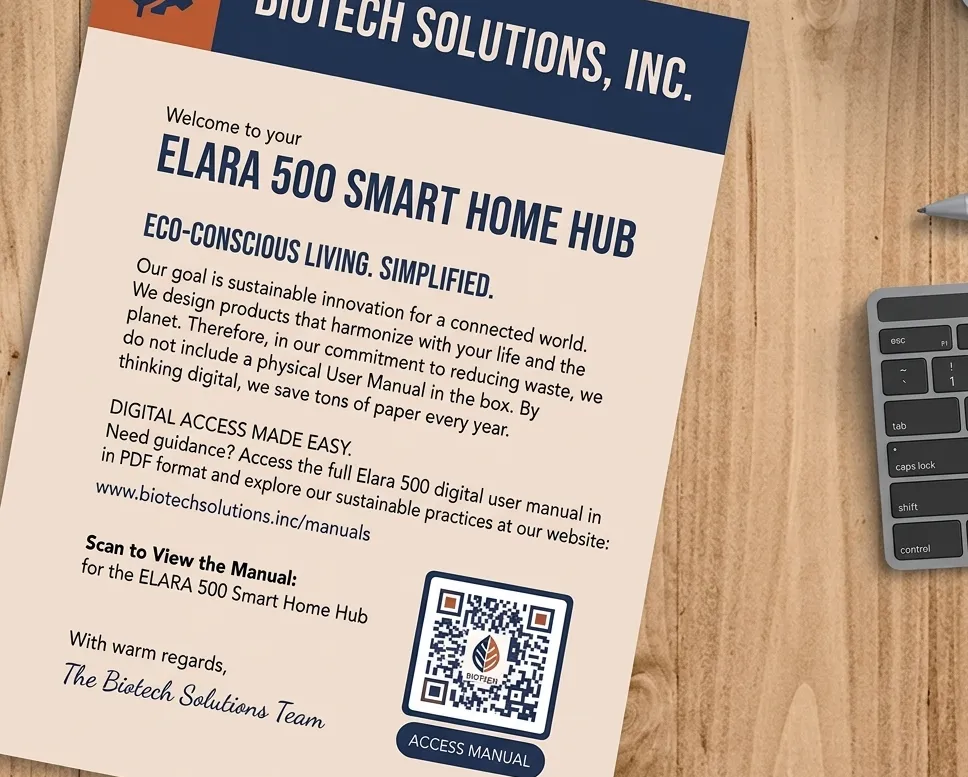
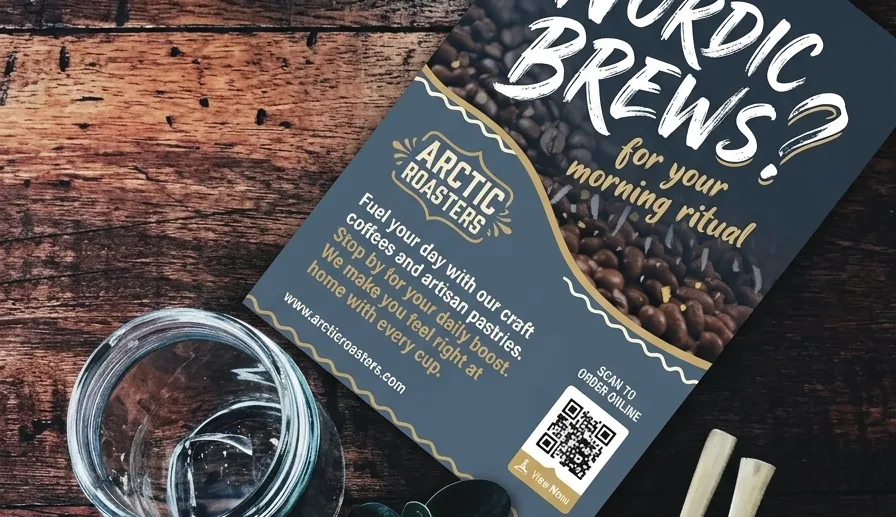
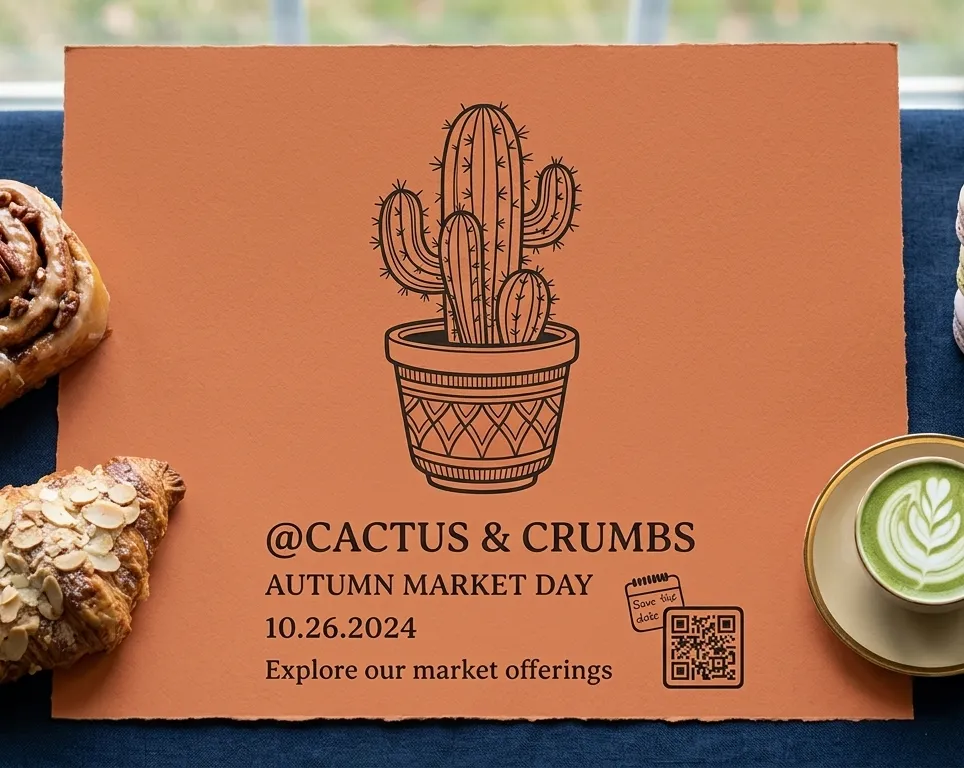
Benefits when Putting QR Codes on Flyers
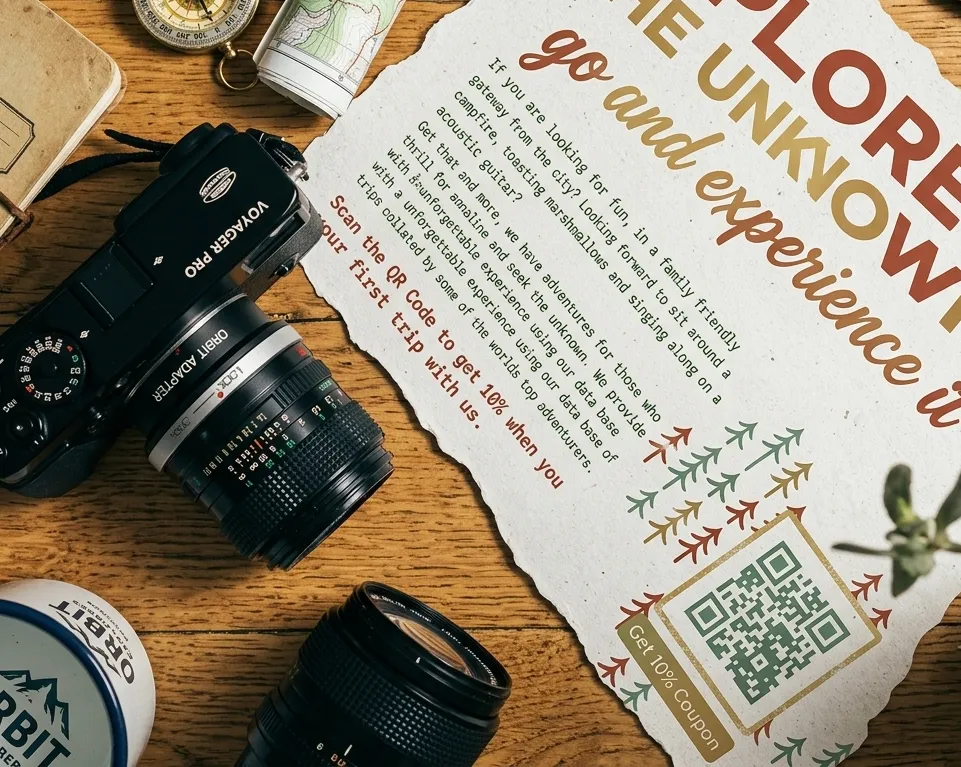
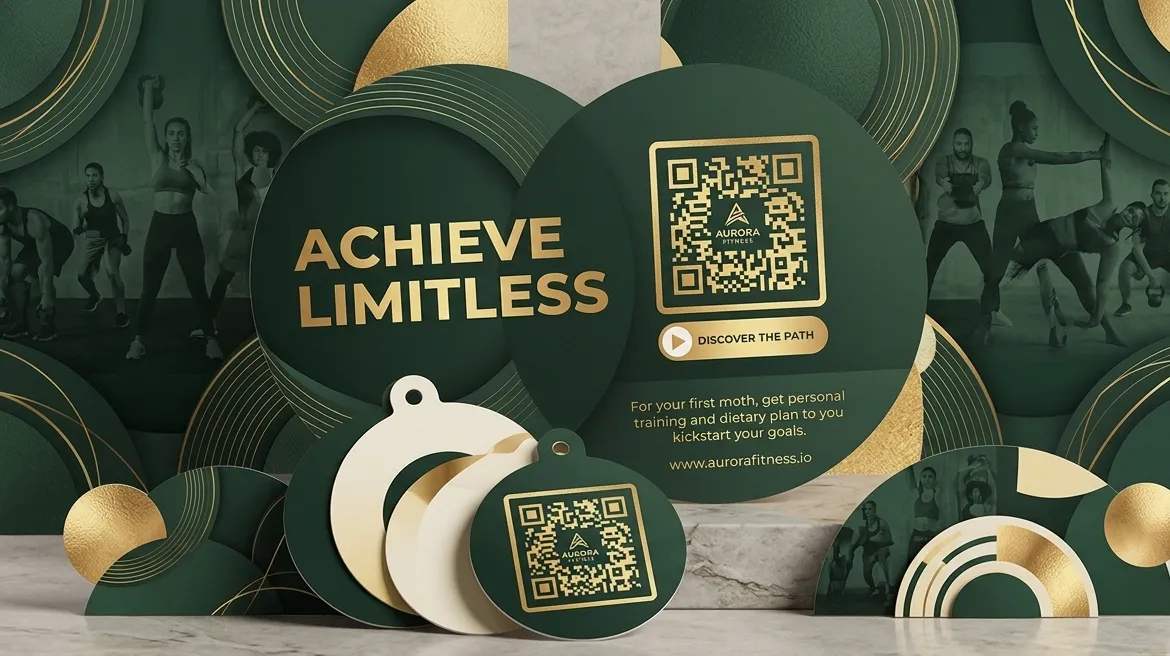
Some people think print flyers belong in the past, buried under a mountain of digital ads. But that couldn't be further from the truth! Flyers are budget-friendly, super simple to hand out, and reach tons of local folks. When it comes to real-world promotion, they’re still absolute champions. And when you drop a quick QR Code onto your print design, magic happens. You bridge the gap between physical paper and the online world—guiding readers directly to special discounts, new services, or your favorite social channels right when their interest is sparked.
QR Codes on flyers: Bringing offline and online together
Mixing old-school paper with modern online tools—often called "tradigital" marketing, a term highlighted on Techopedia—is one of the best ways to get people excited about your brand. Hand out a great-looking flyer to someone in person, and use a strategically placed QR Code to invite them into your digital community. It’s an effortless way to capture attention, grow your network, and gain new followers.
When you use a Dynamic QR Code, you also get access to super helpful stats. You can see exactly when, where, and on what type of phone your code was scanned. This makes tracking your success a breeze! You’ll quickly learn which neighborhood brings in the most interest, helping you fine-tune your strategy, reach the right crowd, and make your brand unforgettable.
1. Plan amazing events
Putting together a party or meetup? An Event QR Code makes organization so much simpler. Whether you’re throwing a community fundraiser or a business conference, guests can scan the code to instantly view event details and add the date to their personal phone calendar. You can even include an RSVP option so you know exactly how much food and drink to prepare!
2. Show off past fun
Did your last party go viral, and you’ve got awesome footage to prove it? Add a Video QR Code to your new flyers! It gives potential guests a exciting preview of what they missed last year, giving them every reason to grab a ticket this time around.
3. Share instant savings
A Coupon QR Code paired with a paper flyer is a match made in heaven. Got a big holiday sale, a new product drop, or a seasonal clearance event coming up? Slap a coupon code on your paper ads so customers feel like VIP insiders getting an exclusive perk.
4. Let the technology do the heavy lifting
Take complete control of your outreach with flexible Dynamic QR Codes. Our tracking features show you the exact time, general location, and phone type used for every single scan. Plus, if you ever need to update your link, you can swap out the web address without reprinting a single piece of paper!
5. Match your personal style
Gone are the days when QR Codes were boring black-and-white squares. Modern codes are colorful and creative! You can customize colors and patterns to fit your personal brand identity perfectly, whether you want the code to blend smoothly into your artwork or pop out to catch the eye.
How to create a QR Code for your flyer
- Visit ZodQR free QR code generator and pick the type of code you need (a basic Website URL code is a great starter choice).*
- Paste in your target website link.
- Click Generate Link QR. Your brand-new QR Code will pop up instantly on screen.
- Give it some personal style by choosing its shape, eye.*
- Pick colors that complement your flyer graphics or brand logo.
- Hit ‘Download’ to save your image file. PNG, JPEG and SVG formats are available for free, with QR size up to 4096px.
- Drop your completed QR Code straight into your flyer design!
*Create a free account to create all dynamic QR types for free: Event, Video, or Coupon codes. Accounts let you edit destinations and content anytime without reprinting, upload custom logo, or save your QR style as templates!
Best Practices for Adding QR Codes to Flyers
Building trust with your readers comes down to consistency. People should see the exact same friendly vibe, logo style, and main message whether they are holding your paper flyer or browsing your website.
Supercharge your printed ads with a QR Code Generator by pairing eye-catching graphics with a clear call-to-action (CTA). Using flexible Dynamic QR Code tools allows you to share extra information, helpful downloads, or bonus pictures that just wouldn't fit on a paper flyer.
1. Include a friendly prompt
A common mistake is printing a code without explaining what happens next! Always add a quick line telling readers why they should scan. Give them a fun reason—like unlocking a discount or viewing a video—so your print run produces great results.
2. Frame your code nicely
Custom frames help your code fit right into your overall flyer design. As you build your code, you'll discover a variety of pre-made frame styles with helpful text prompts and color tweaks. Want full control? Customize the shapes and icons to create a look that is completely your own.
3. Pop your logo in the middle
After picking your frame and colors, try placing your brand logo right in the center of the square. You can use standard icon choices or upload your own graphic alongside action phrases like "Join us," "Learn more," or "See details." Our system automatically sizes your logo so the code remains 100% quick and easy to scan.
4. Save your favorite setups
If you plan on running similar promotional campaigns or annual events in the future, save yourself time! QR Code Generator lets you store your customized designs as templates so you can reuse your favorite looks with just a few clicks.
5. Always test before you print thousands
Before sending your flyer file to the printer, test the code with a few different smartphone cameras and scanning apps. For handy marketing items like flyers, aim for a code size of at least 2 x 2 cm (around 0.8 x 0.8 inches). Going smaller can make it tricky for phone cameras to pick up the code.
Want more beginner tips? Hop over to our Help Center guide.
Real Examples of QR Codes in Action
Need a little inspiration? Here are a few stories showing how different types of businesses use QR Codes on flyers to simplify their daily operations and connect with customers.
Event Coordinators
It's tough fitting every social profile link and schedule detail onto a small piece of paper without making it look cluttered. That’s why Prism Event Management prints a Social Media QR Code on their promotional hand-outs. It keeps their print designs clean while boosting their online social media following.
Game Developers and Tech Teams
When Volt Gaming Studios hosted a launch party for their newest game release, they placed an Event QR Code directly on their promotional flyers. Scanners instantly saw venue maps, exact party times, and a quick link to grab admission tickets—making it simple for fans to save the details to their personal mobile calendars.
Book Publishers
To build buzz for a new book release, the team at Phoenixquill Publishing House added an innovative touch to their print ads. They added an MP3 QR Code that brought up a mobile audio player. Readers holding the flyer could immediately listen to an exclusive audio snippet of the story, with a handy "Pre-order now" button right below the audio bar!
Retail Shops
Lucia Styling wanted to host an exclusive shopping event for new and existing customers. By adding a Coupon QR Code to their promotional flyers, shoppers could save the deal straight to their phones, text it to a friend, and redeem their discount at the register with one simple scan.
Travel Agencies
WanderLust added a PDF QR Code to their promotional handouts so prospective travelers could instantly browse complete tour itineraries and pricing packages. Using real-time tracking features, the team monitored total scan counts and geographic locations, giving them valuable feedback to refine their future marketing efforts.
Because every QR Code comes with its own web link, you can also share your code landing pages across email newsletters and social channels!
Questions & answers
Absolutely. You can generate a QR code for your website link, it can be static or dynamic. Choose dynamic URL QR code if you want to track scans, edit the link later or want a shorter link for your QR.