
QR Codes on Stickers & Labels
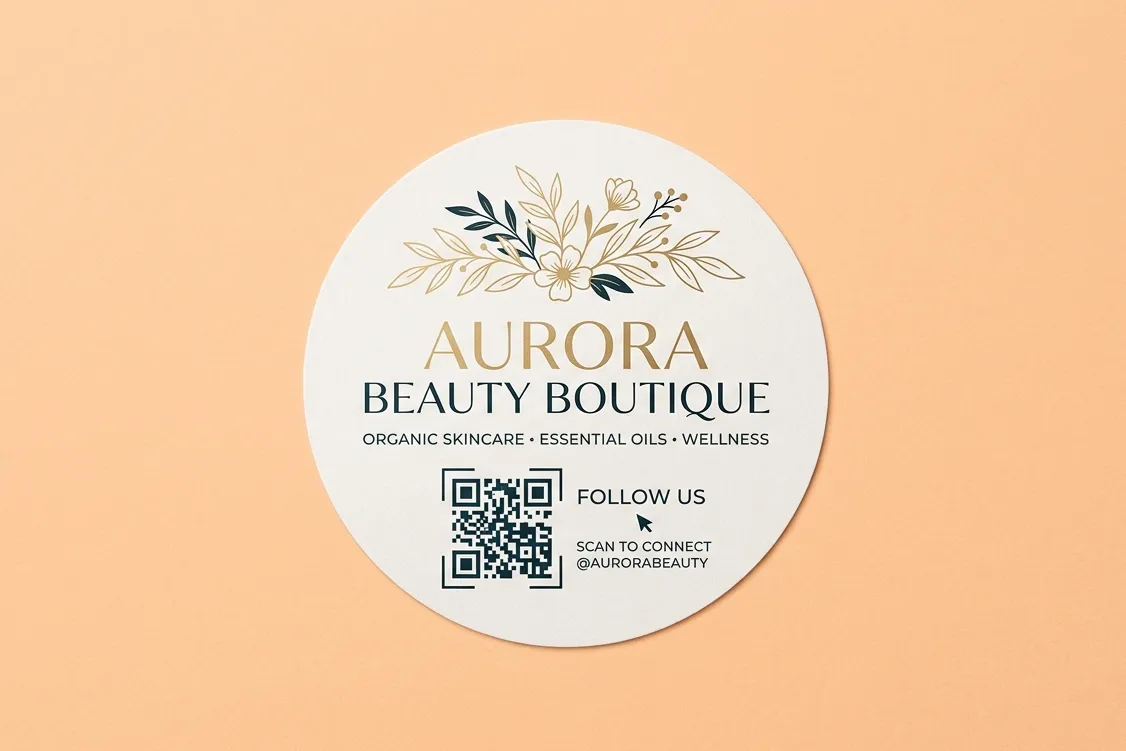
Put a QR code on your stickers and labels to give your marketing campaign a big boost.
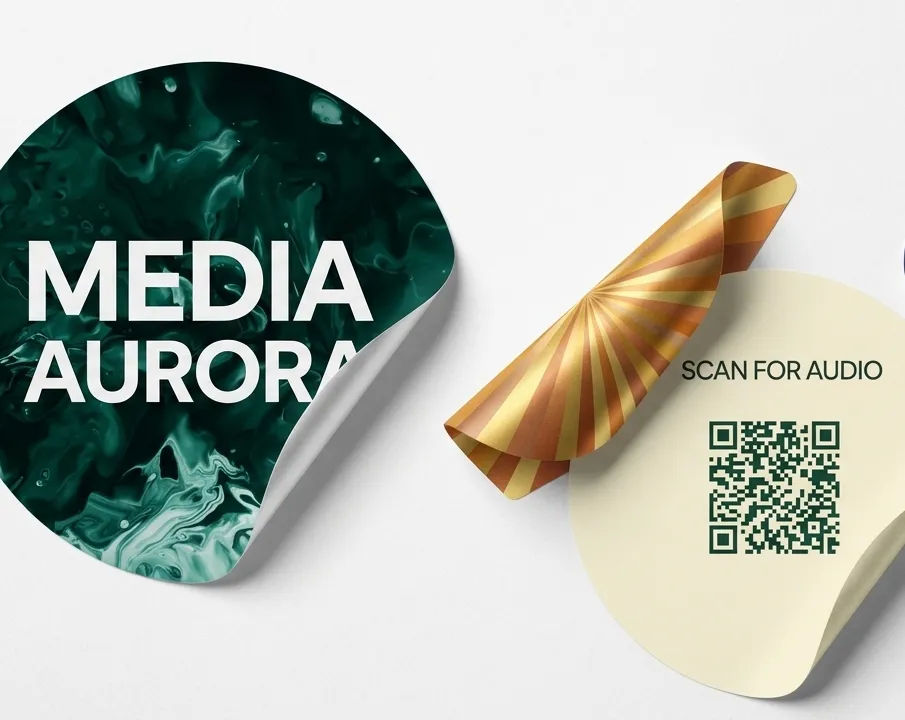
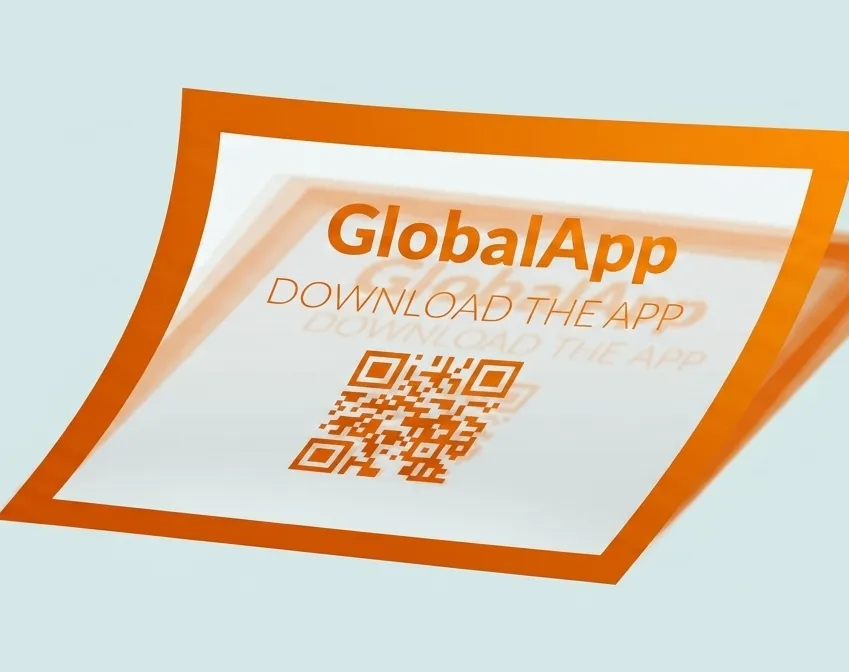
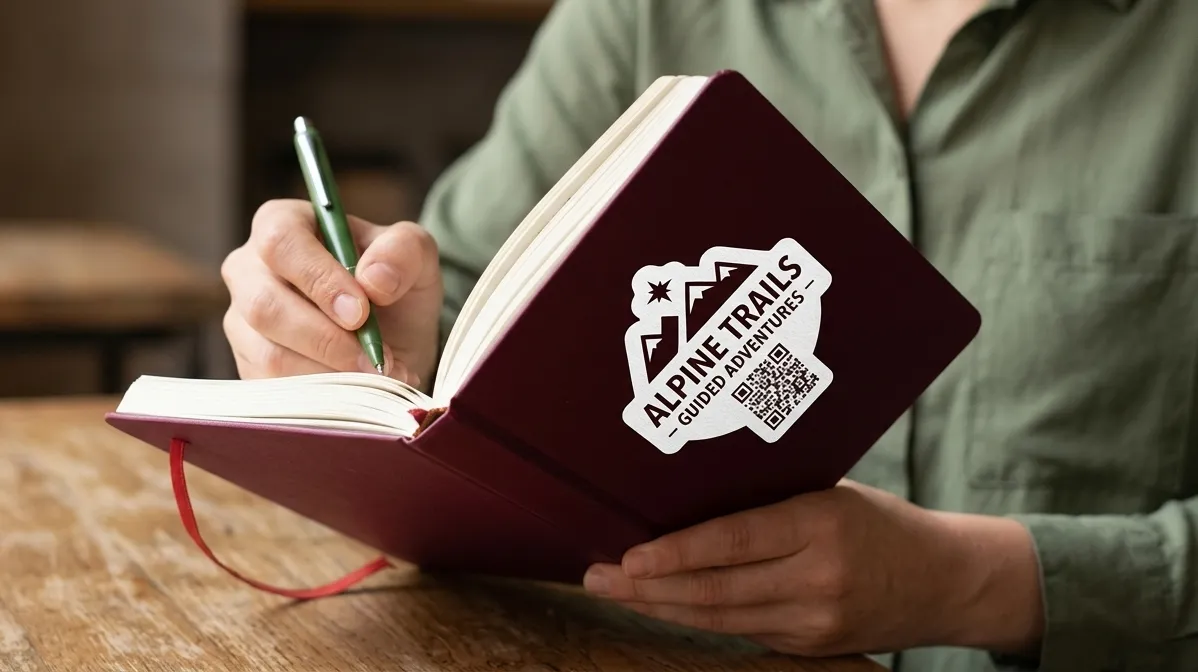
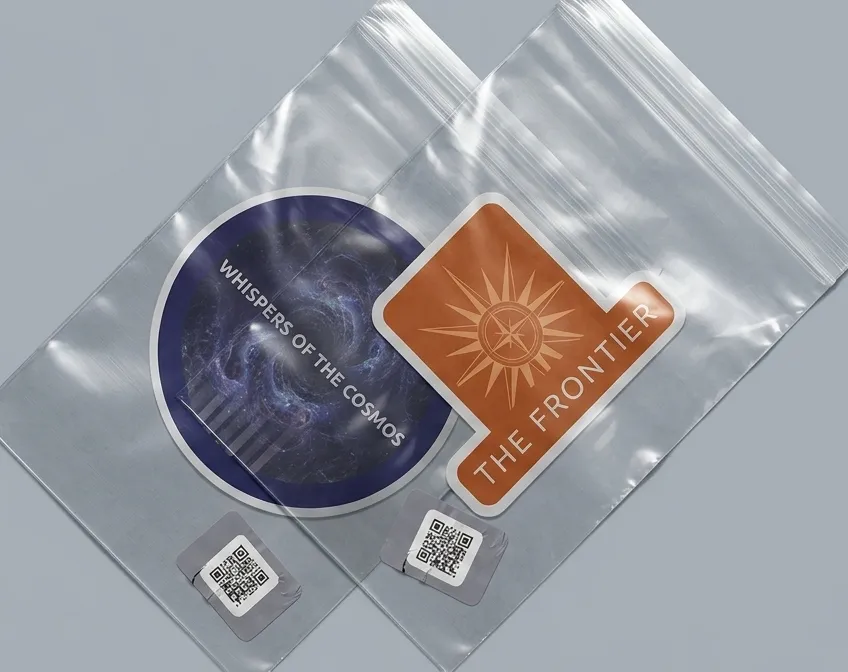
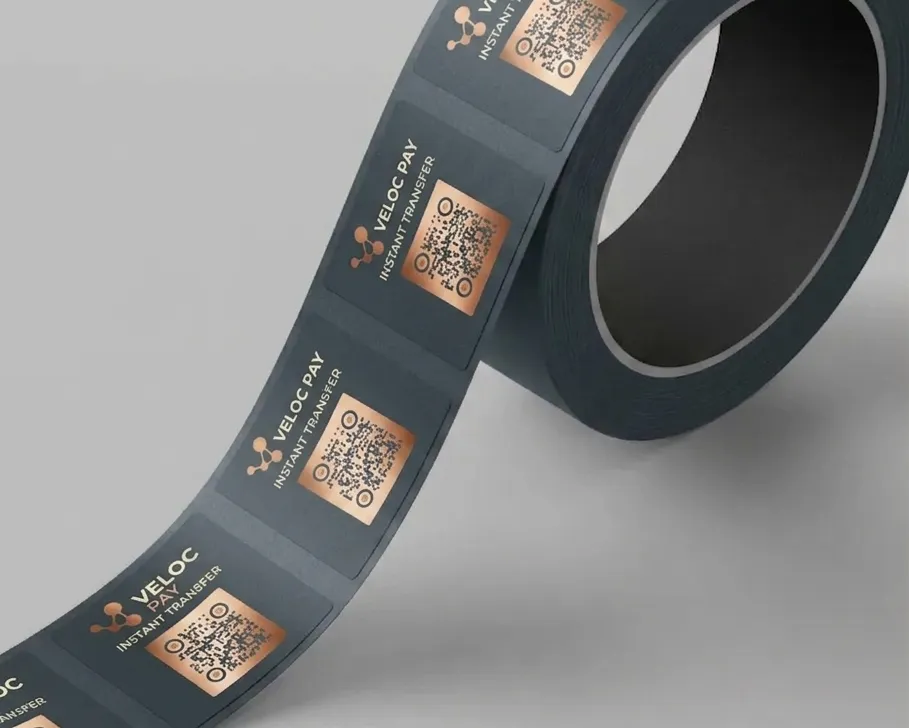
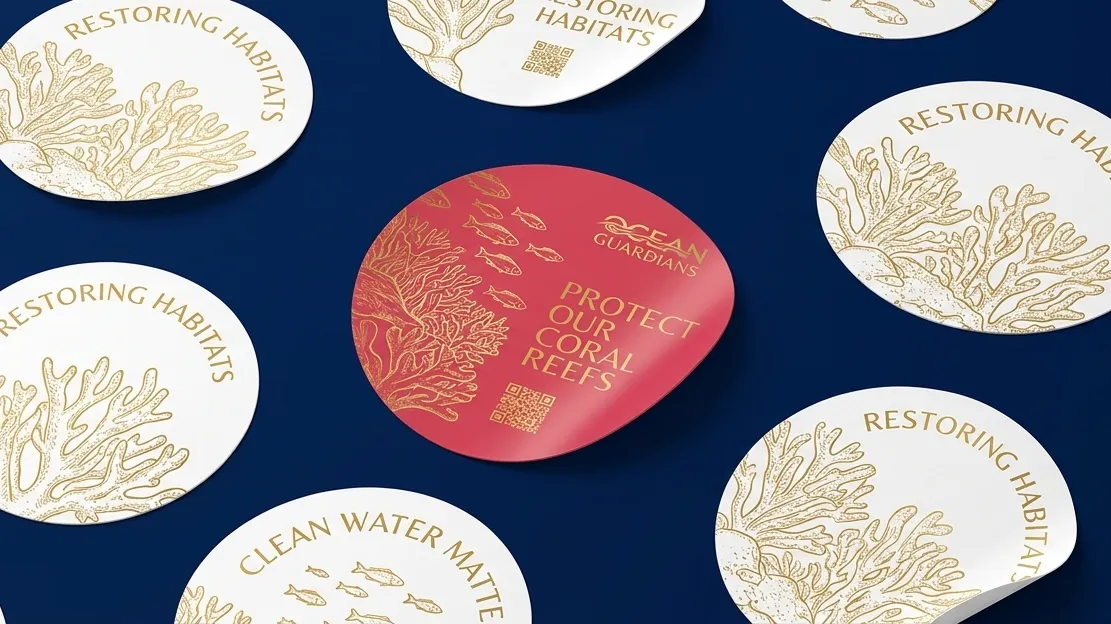
Benefits when Putting QR Codes on Stickers and Labels
The designs you spot on social media, laptops, notebooks, or light posts around town can do so much more than just look cool. While stickers show off personality, they're also powerful tools for your business strategy.
Pairing a great label design with QR code technology gives you endless ways to attract new shoppers and get people talking. It creates a smooth bridge between your physical products and your digital world—whether that's your website, social pages, contact info, or special deals.
Tap into People’s Curiosity
Placing a custom QR code on your stickers is an easy way to spark interest. When people spot your sticker on a friend’s laptop or a bus stop post, it naturally makes them curious. The thinking is simple: "If my friend loves this brand, it must be awesome."
By putting QR codes on your stickers, you're turning happy customers into your best marketers. A quick scan can instantly show off a product with a Video QR Code, invite them to an upcoming gathering with an Event QR Code, or link to all your socials using a Link Listing QR Code. It’s a fun, interactive way to bring your community closer.
Deepen Customer Loyalty
A great label does more than just look pretty—it tells people who you are and what your product is made of. But physical labels have limited space! Adding a QR code gives you room to share the full story without crowding your design.
You can direct shoppers to your online community, feedback forms, or helpful customer support. The better people understand your product, the more they trust your brand. With just one quick phone scan, customers can unlock extra recipes, ingredient origins, usage tips, and more.
Work Smarter with Dynamic Codes
Dynamic QR codes give you super handy tools to stretch your marketing budget further:
- Track your results: See exactly where, when, and on what devices people are scanning your codes so you know what's working best.
- Update anytime: Need to change a link or update your offer? You can change where your QR code points after it’s already printed—no need to pay for a new batch of stickers.
How to Make a QR Code for Your Stickers and Labels
- Sign up and pick a style Create an account to open the generator, then choose the right type of QR code for your project.
- Customize the look Fill in your link or info, then tailor the design with your brand’s colors, frames, logos, and text.
- Download and share Save your finished QR code as a JPG file and drop it right into your print art.
Best Practices for Sticker and Label QR Codes
Just like setting up promotional flyers, a successful sticker and label campaign relies on catching attention with clear graphics, a strong call to action, and a scannable, well-designed code.
1. Give clear instructions
A common mistake is printing a code without telling people what they get when they scan it. Always include a quick sentence explaining the benefit or reward so readers actually feel inspired to pull out their phones.
2. Pick a good frame
Using customized frames helps your code blend seamlessly with your brochure style and brand identity. Our tool includes a variety of pre-made frames complete with catchy call-to-action phrases and color schemes. Want a custom touch? You can swap out the frame shape, pick new icon styles, and write your own custom callout text.
3. Place your logo in the middle
After styling your frame and picking your colors, drop your company emblem right into the center of the code. Beyond standard preset icons, you can upload your own imagery or custom prompts like “Chat with us” or “Learn more.” The generator resizes uploaded images automatically so your code stays quick and easy to scan.
4. Save your favorite styles
When you're ready to launch a new product line or add new services, you don't need to rebuild your design from scratch. ZodQR lets you save custom layouts as reusable templates, keeping your brand look consistent across future marketing projects.
5. Always test before you print
Before sending your layout to the printer, test your code using a few different smartphone scanning apps. For standard brochures, keep the code at least 2 x 2 cm (around 0.8 x 0.8 inches). You can always go larger, but printing smaller makes the code hard for phone cameras to catch. Try printing a quick test sheet at full scale to verify it works reliably.
For extra guidance on setting up your codes, head over to our Help Center.
Creative Ways to Use QR Codes
If you're having trouble picturing how a QR code on stickers and labels can help you, here are a few fun stories to show you the amazing advantages it could bring to your business or organization.
Cities and Culture
The fictional town of Crestview City started putting our QR codes right on the welcome sign at the city entrance. Visitors can scan a PDF QR code to grab a digital map packed with top spots to visit and places to eat. To make trips even better, they placed stickers with an MP3 QR code at every key landmark: each scan plays a custom audio tour for that specific spot. They even included a button on the audio page that connects to the complete playlist on popular apps like Google Play Music and Amazon Music, letting travelers listen whenever they want.
Nonprofit organizations
When donations started slowing down, the fictional charity Turtle Foundation created an online community to keep supporters connected and updated on their mission. They printed a Video QR code on sticker merch to give bird fans quick access to short videos about habitat protection and wildlife rescue work. Another time, they used an Image Gallery QR code to gift donors a collection of beautiful bird wallpapers taken by volunteers as a small thank-you for their support.
Consumer packaged goods
Following a highly successful social media campaign, the chocolate brand Luna Pantry used its booming popularity and happy customer reviews to win over new fans for its products. They added an Image Gallery QR code right onto their packaging labels: scanning it reveals mouthwatering photos of treats made with their products, complete with recipe links below each picture. Because they used dynamic QR codes, they can update the photo gallery as often as they like without needing to print new labels.
Questions & answers
Absolutely. You can generate a QR code for your website link, it can be static or dynamic. Choose dynamic URL QR code if you want to track scans, edit the link later or want a shorter link for your QR.