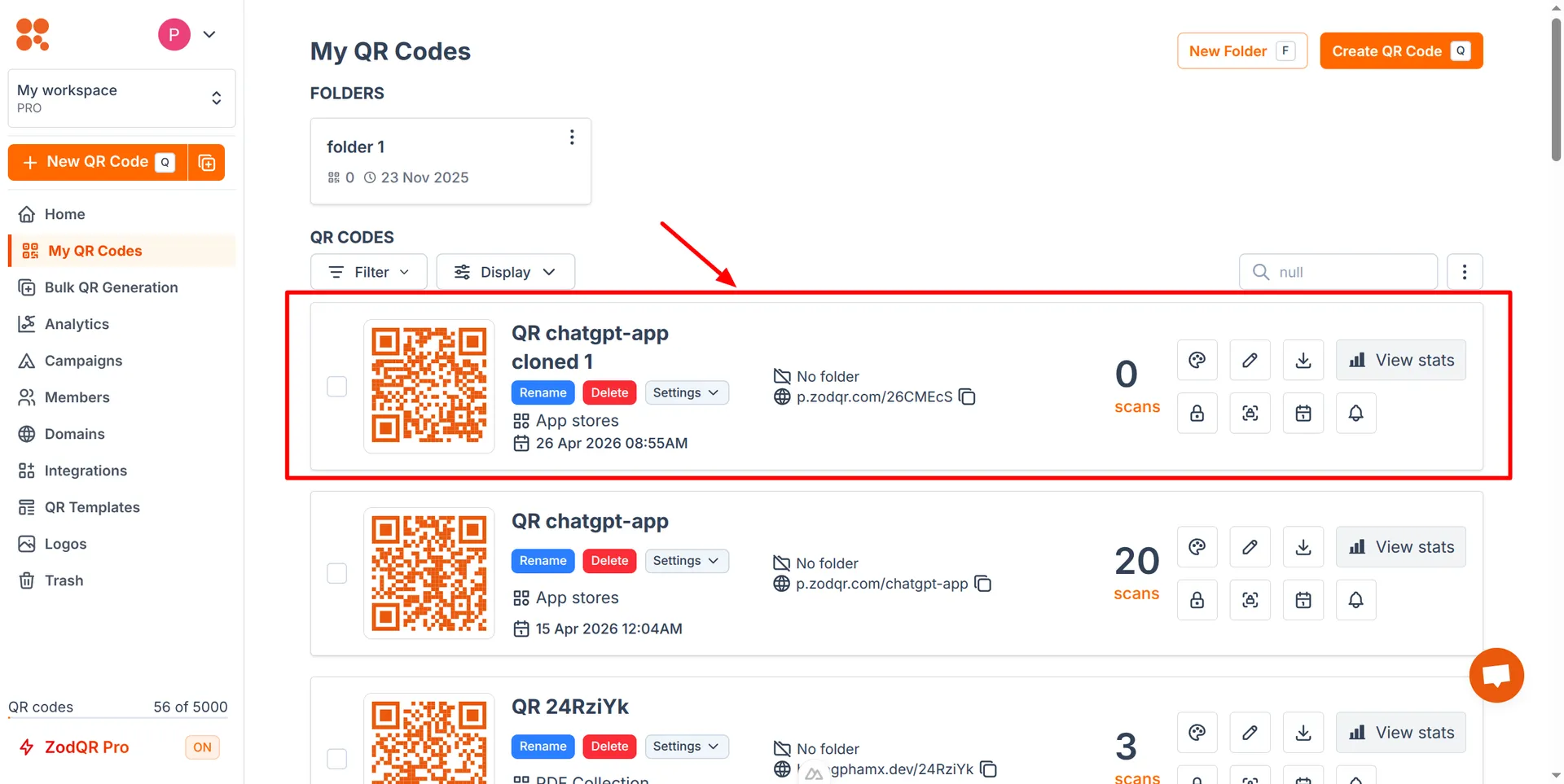
Clone QR Code
Create a new QR Code from an existing one with the same content.
Clone QR codes is available for all ZodQR users, including free plan users.
Steps to Clone a QR Code in ZodQR
- From
My QR codespage in your dashboard, click on Settings button > Clone QR code of the QR code you want to clone.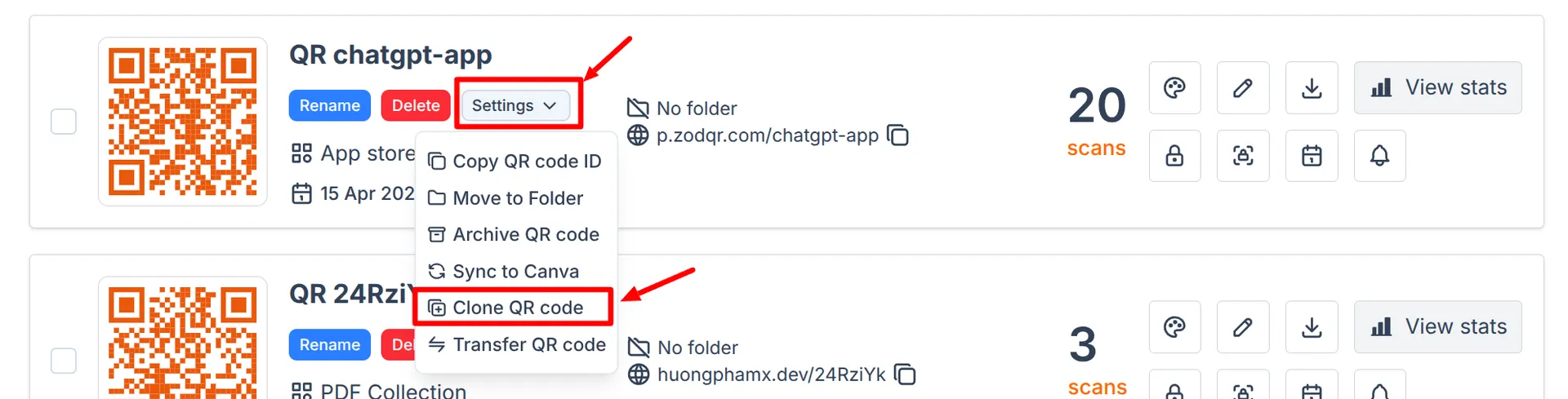
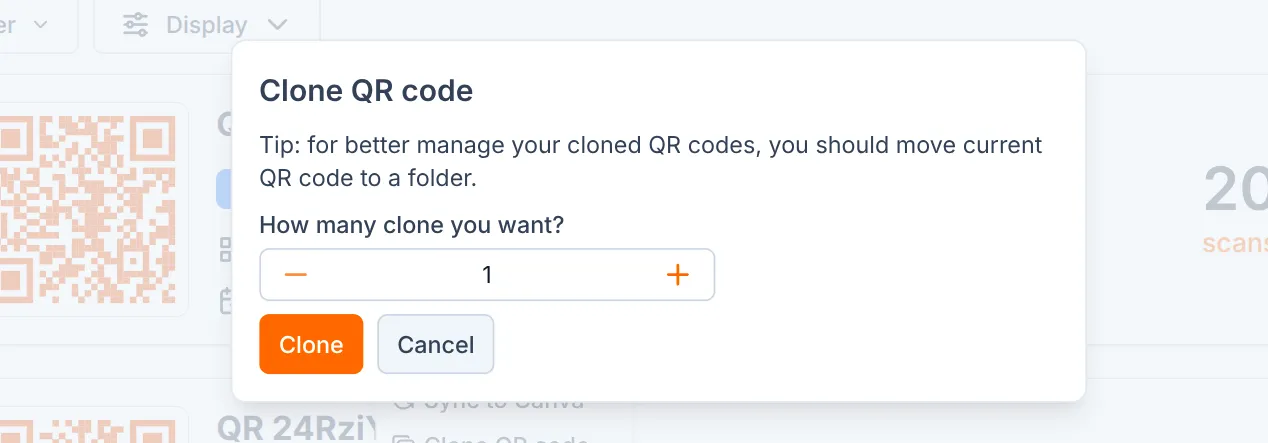
- Enter the desired number of clones, then click Clone
Note:
- The maximum number of clones you can create is the remaining available QR codes on your plan.
- Cloning QR code also move new QR codes to the same folder as the original QR code.
- New QR codes will be created with the same content as the original QR code.