Edit QR code content
ZodQR allows you to edit your QR code content for free. See how you can edit QR code anytime without re-printing.
Editing QR code content is available for all ZodQR users, including free plan users.
Dynamic QR code is editable - that's one of the biggest strong of it. ZodQR allows you to edit your QR code content anytime without re-printing. That can save you time and money in many cases.
To edit QR code content:
- Go to
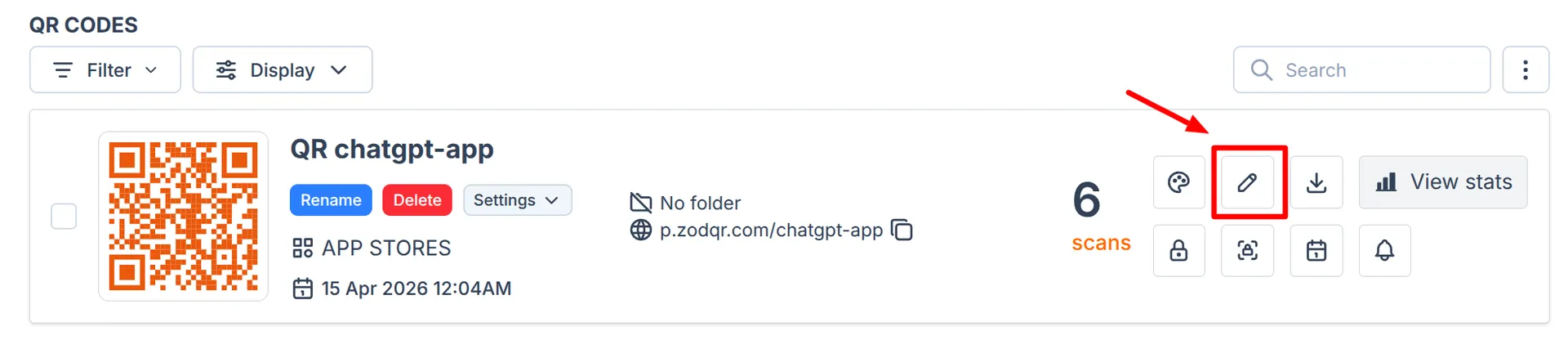
My QR codespage in your dashboard. - Look at the QR code you want to edit, click the Edit button
 A modal will open.
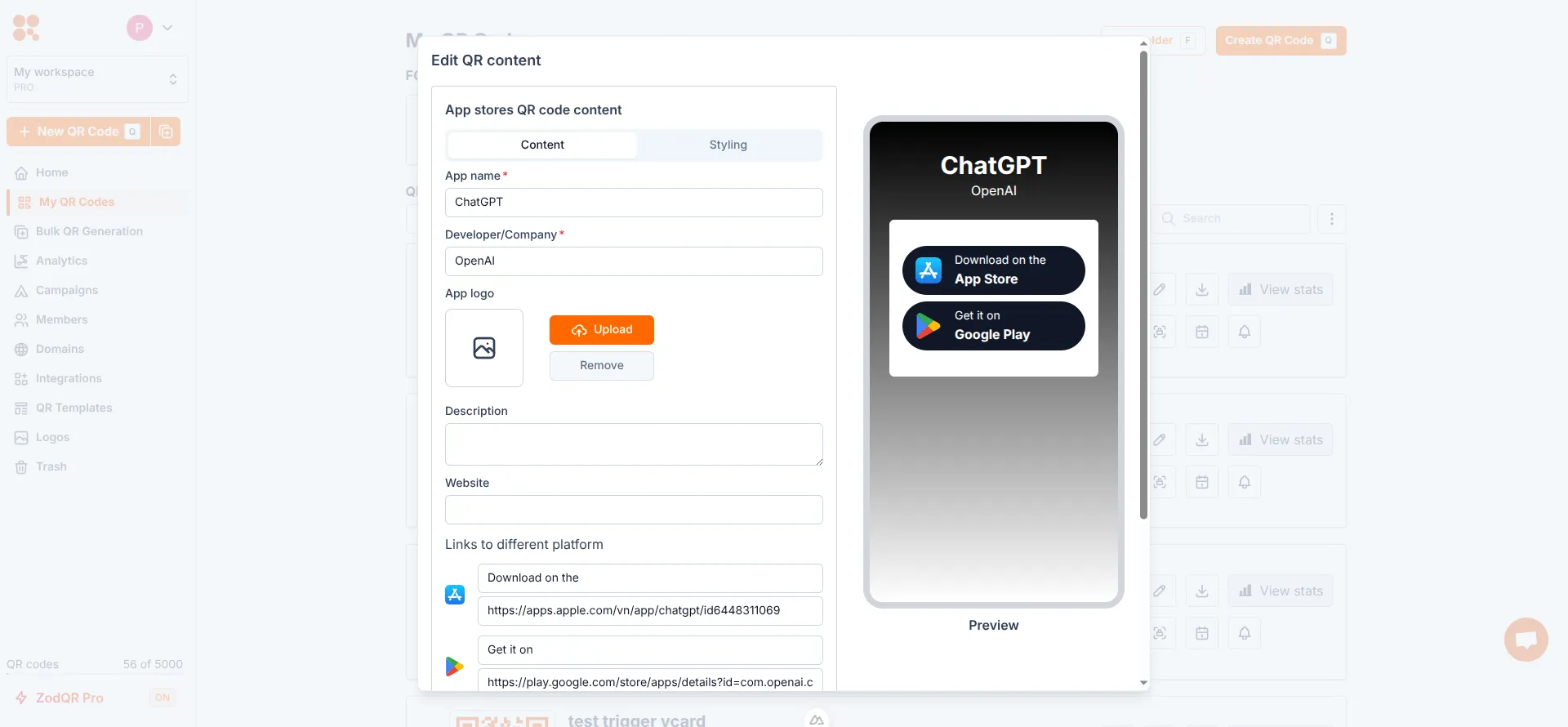
- Update QR code content and styling as needed. Check the preview at the right side of the editor to see how your updated content will look like
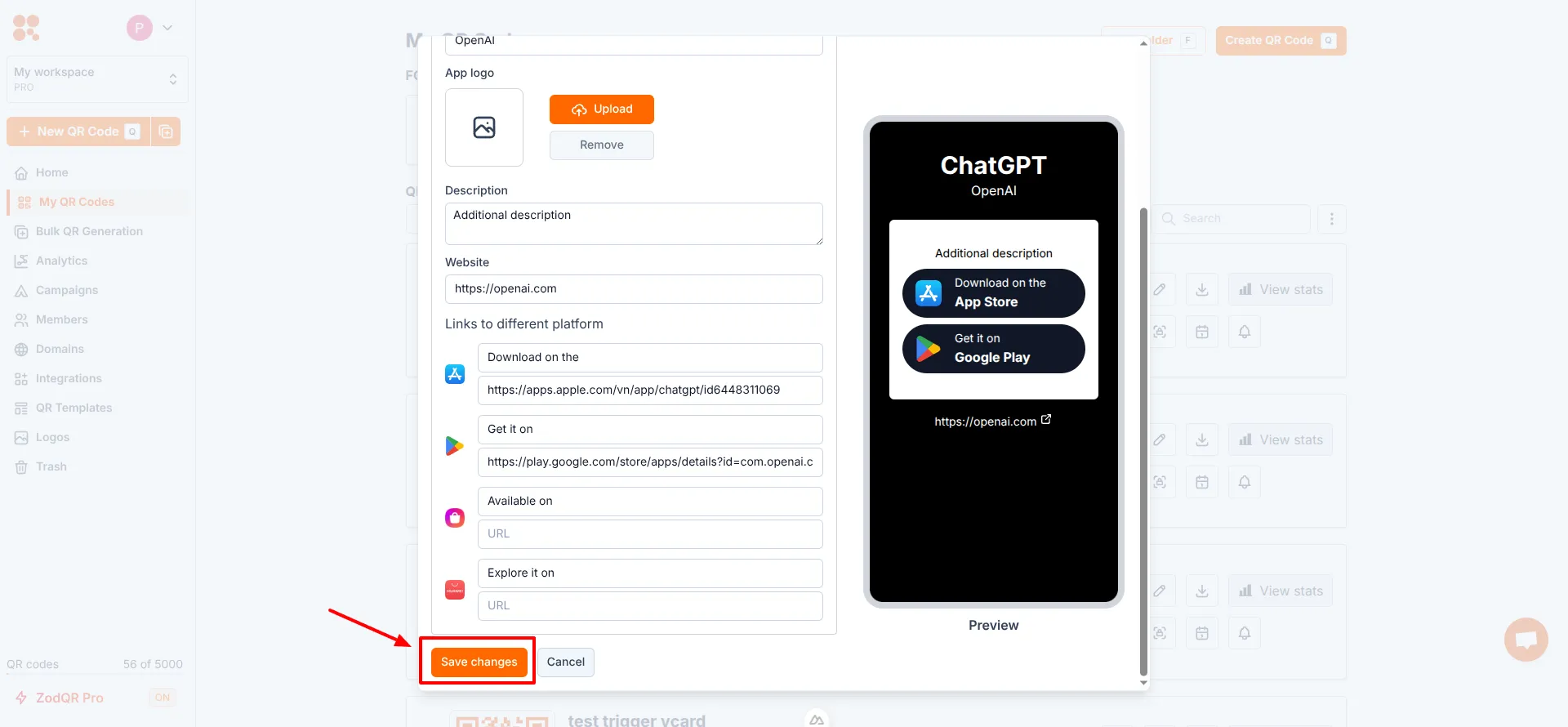 After you're done, click Save changes button. Your QR code changes will take affect immediately.
 - Visit your QR code to verify the changes.