
Manage Subscription - Upgrade, Update, or Cancel ZodQR Business
Learn how to upgrade to ZodQR Business, manage your billing settings, or cancel your subscription. Secure payments handled by Polar.
How ZodQR handle your payment
ZodQR uses Polar - a Merchant of Record to handle user subscriptions: subscribe, update or cancel existing subscription. Polar will also handle taxing for us.
From Polar side, it uses Stripe to proccess all payments.
How to upgrade to a paid plan
Our paid features are design for teams or advanced users, who need:
- Remove ZodQR brand
- Use custom domain (white-label) for dynamic QR codes
- Larger than 1MB upload size
- Advanced analytics
- Collaborate with team members
- Bulk generate QR codes
If your team need some of these advanced features, consider upgrade to a ZodQR paid plan:
- From your
Dashboard/Home, click Upgrade button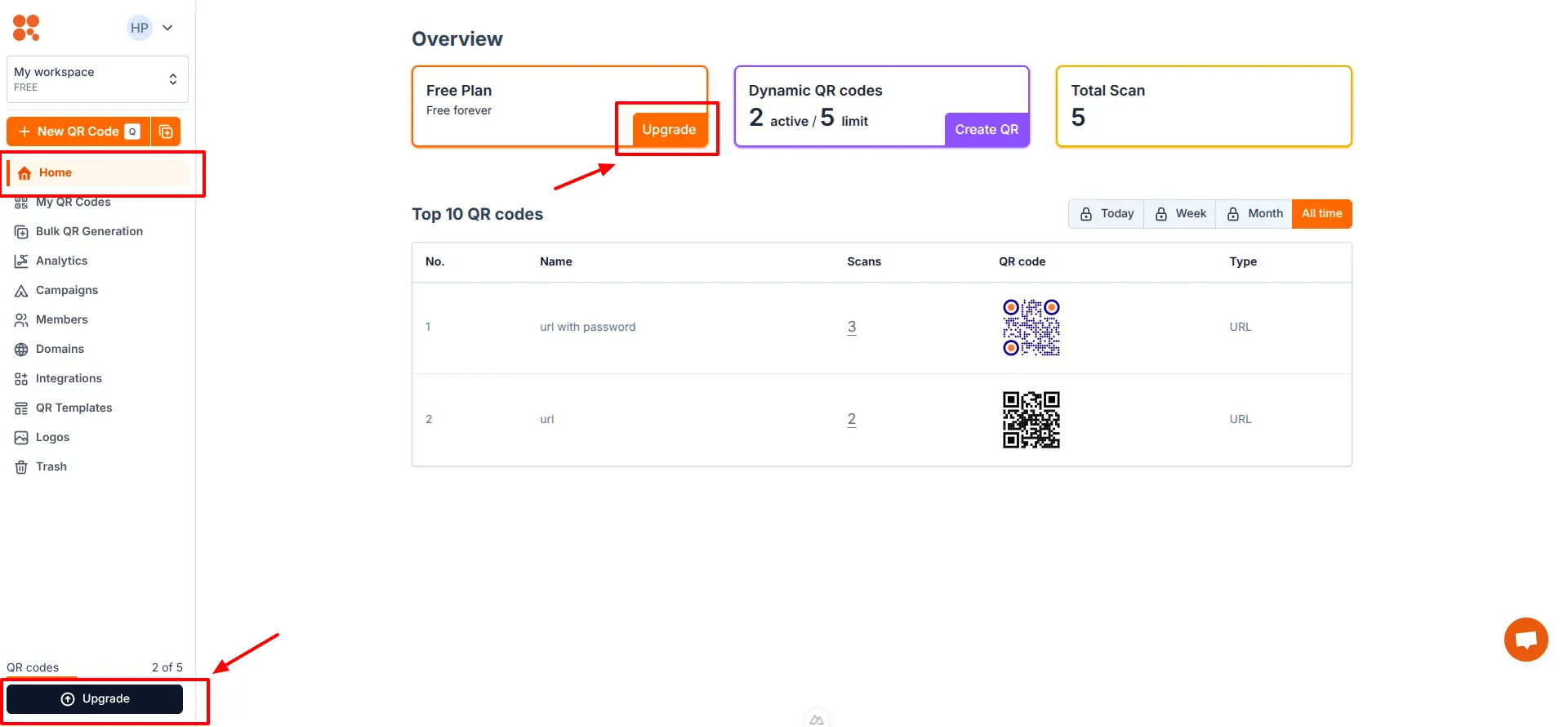
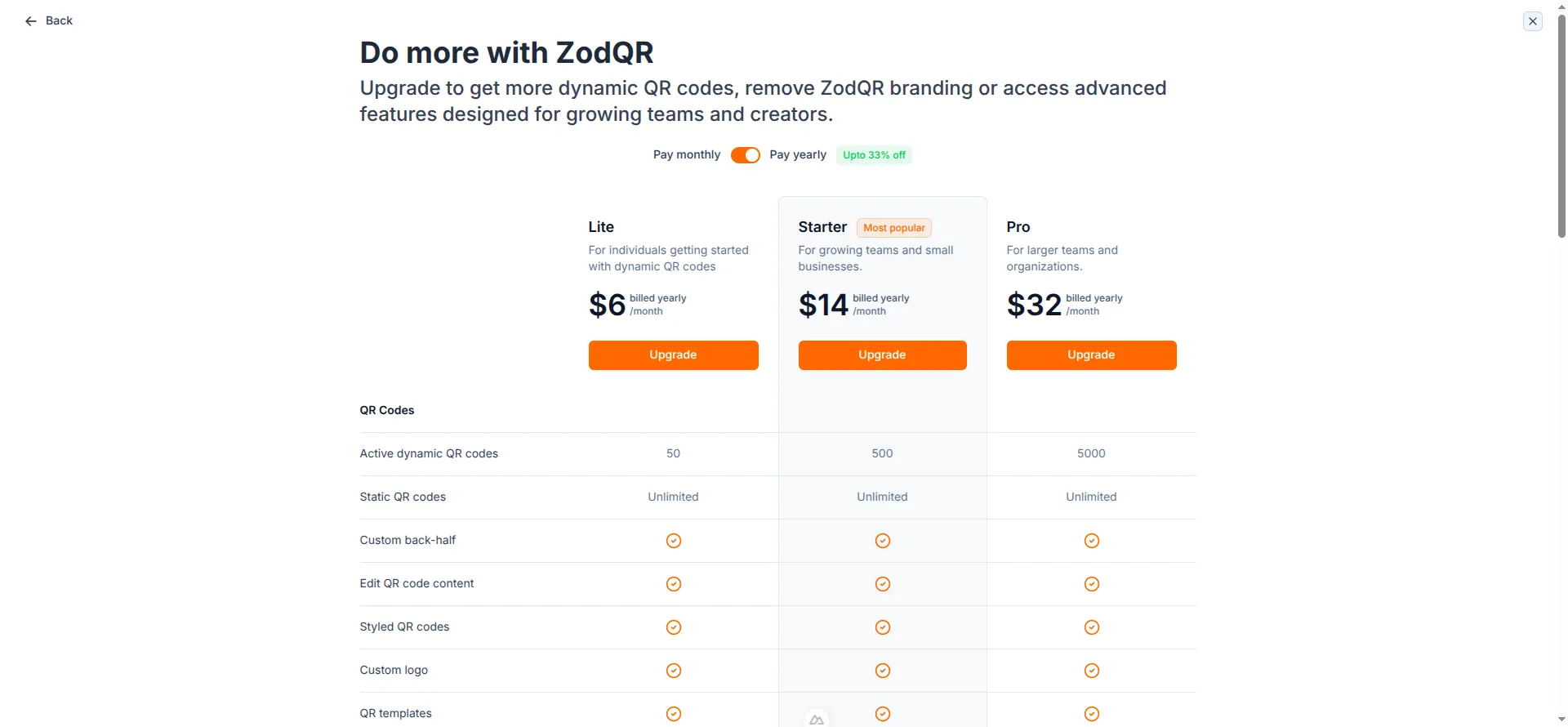
- A modal will show all ZodQR plans. Select a plan that fits your needs, then click Upgrade.
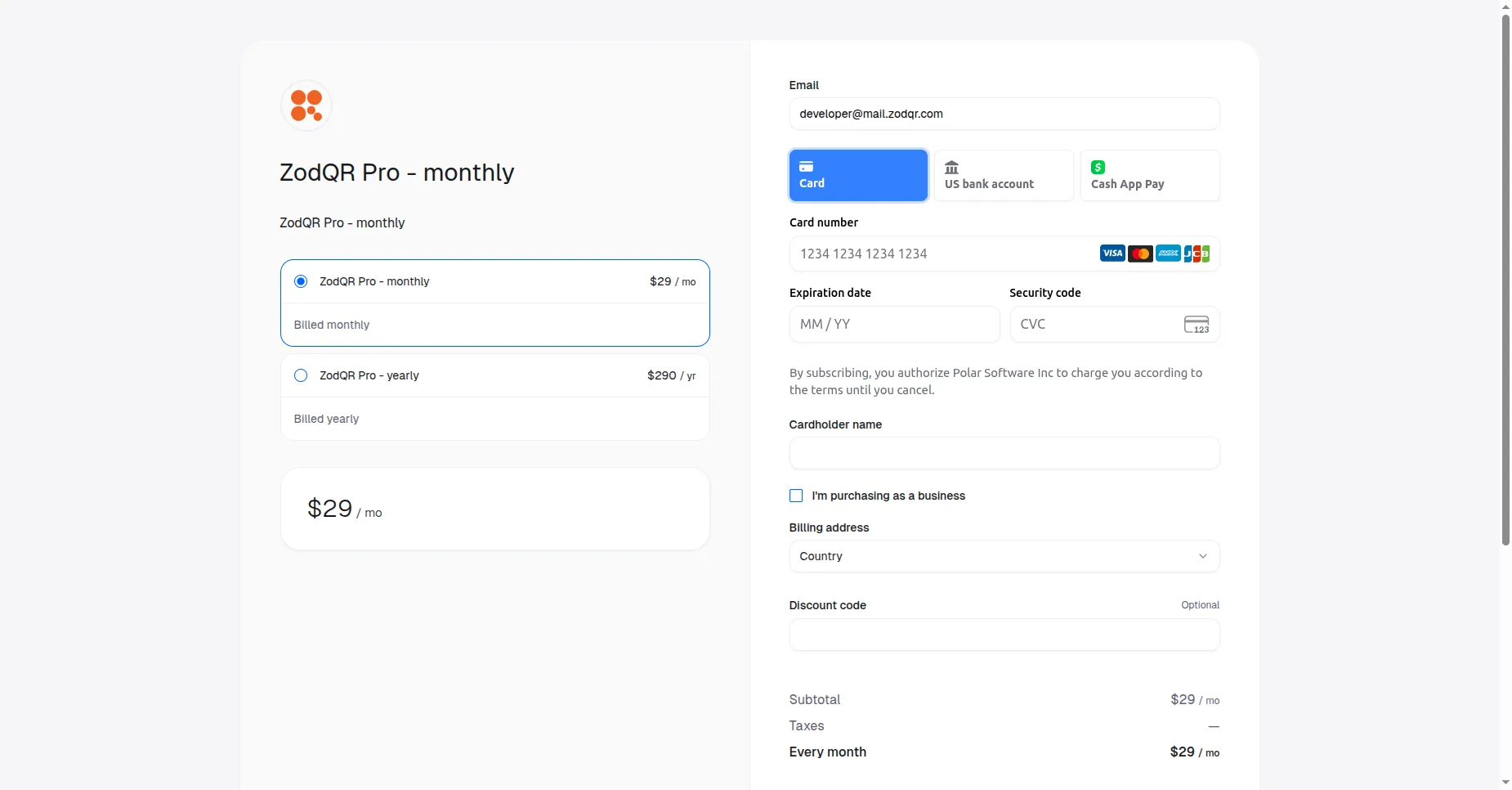
- You will be redirected to Polar to continue your payment.
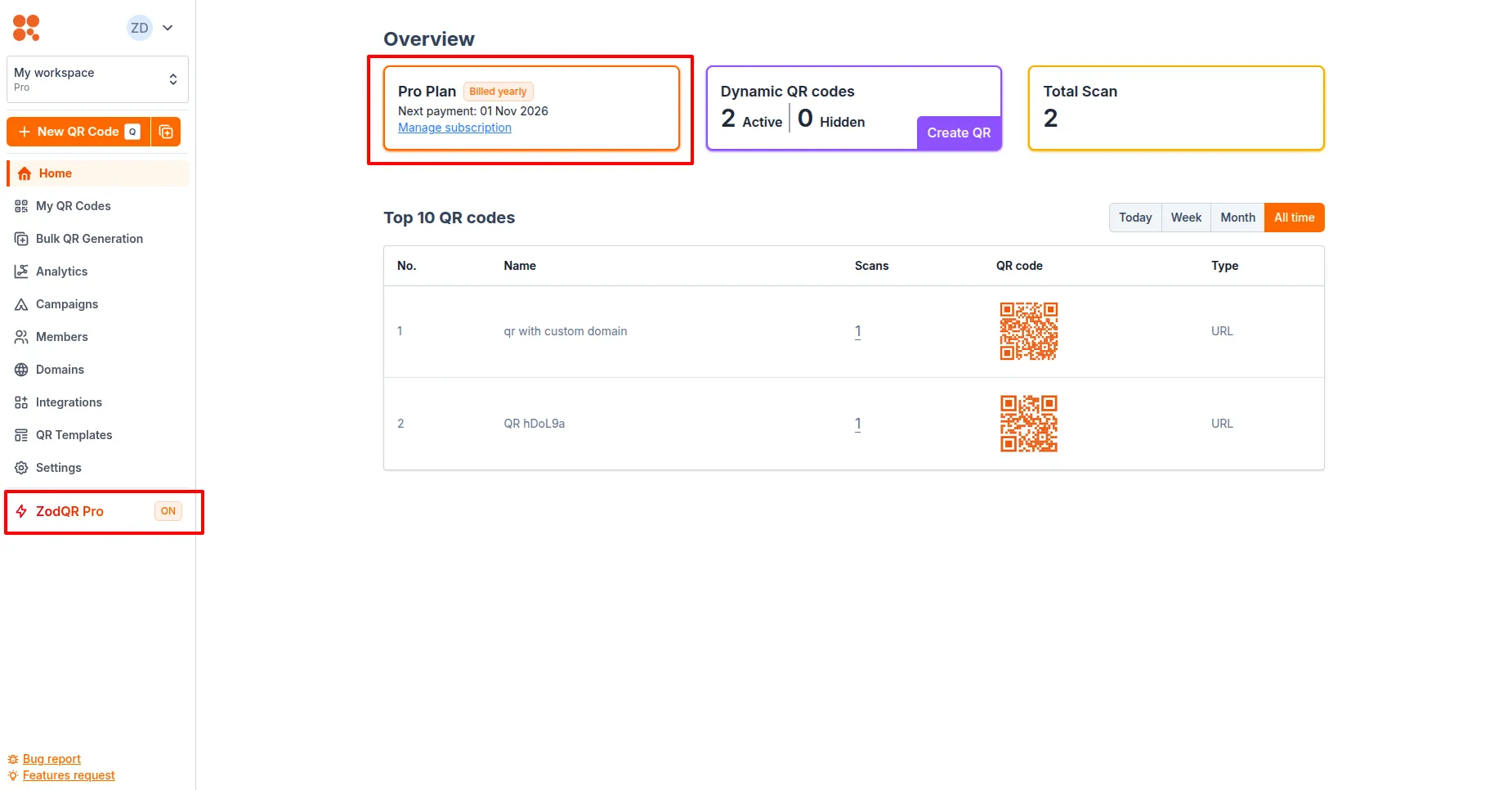
- After your payment successful, you will be redirected back to ZodQR. You should see that your account is actived as Business now.
How to manage existing subscription
If you want to cancel your subscription, you can do that from Dashboard:
- From Dashboard Home page, look at the subscription status.
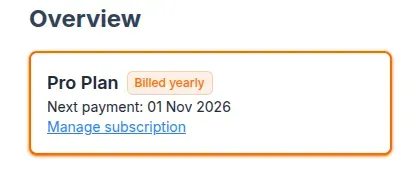
- Click the "Manage subscription" link. You will be redirected to Polar's customer portal.
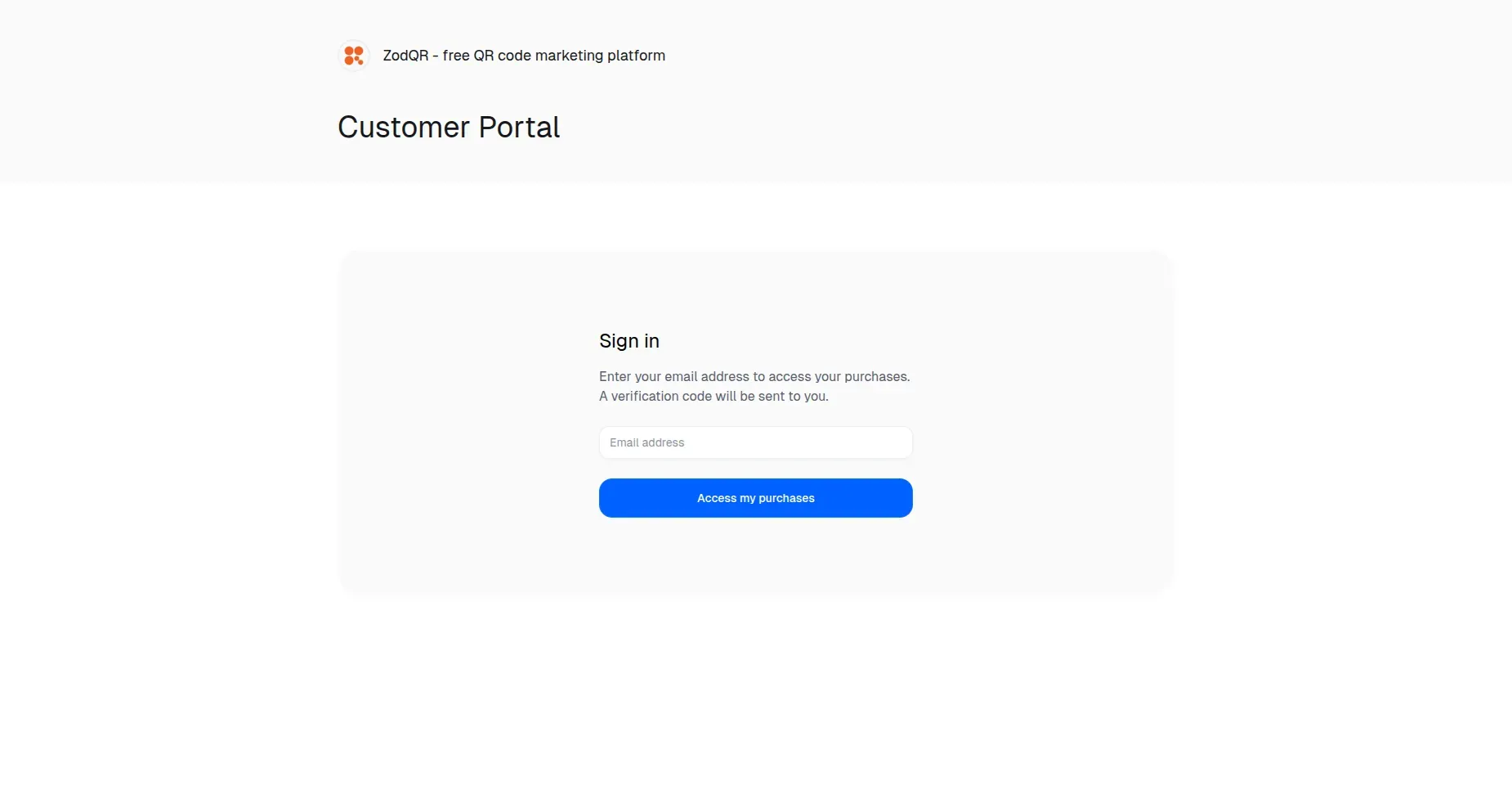
- Enter and submit your email address that you used for your payment. An email with verification code will be sent to you.
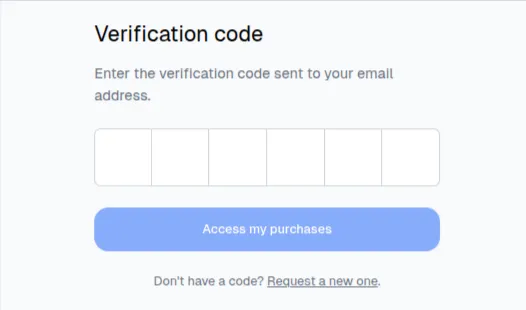
- After login successfully, you can now select the active subscription to cancel.
After canceling, your current subscription at ZodQR will remain active until the next payment periodNote that we can't refund you, even after you canceled your subscription