
QR Codes on Brochures
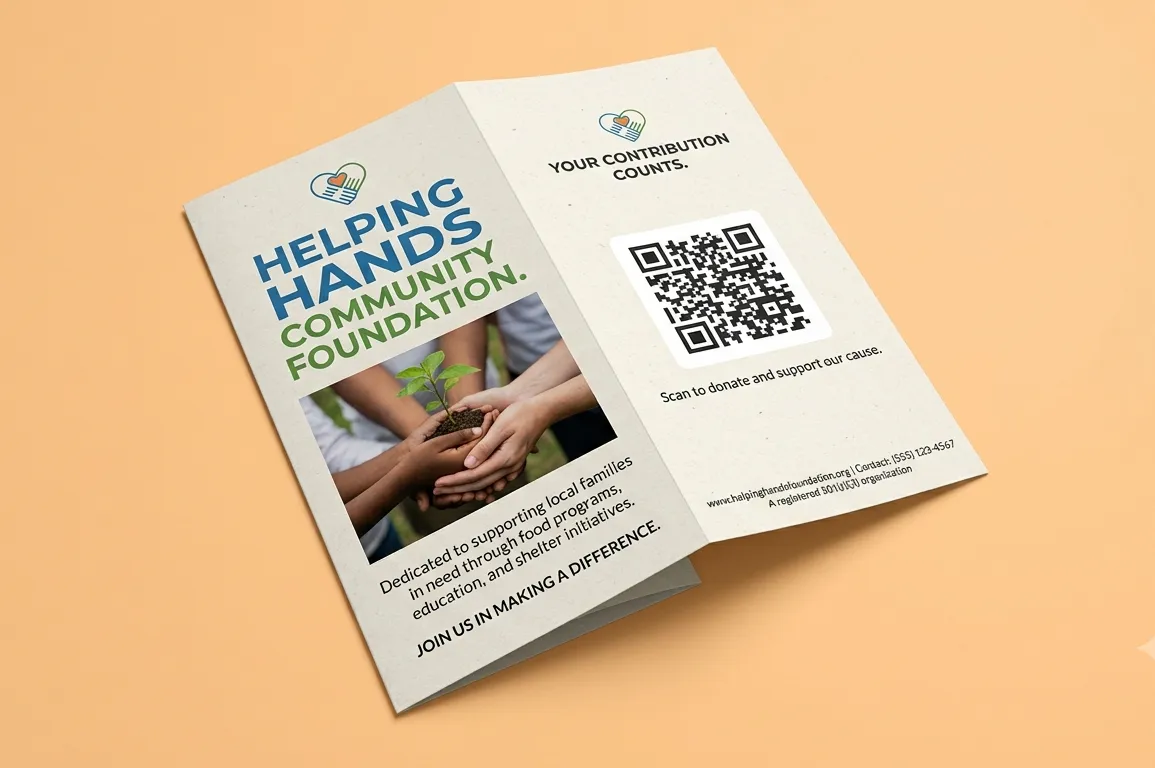
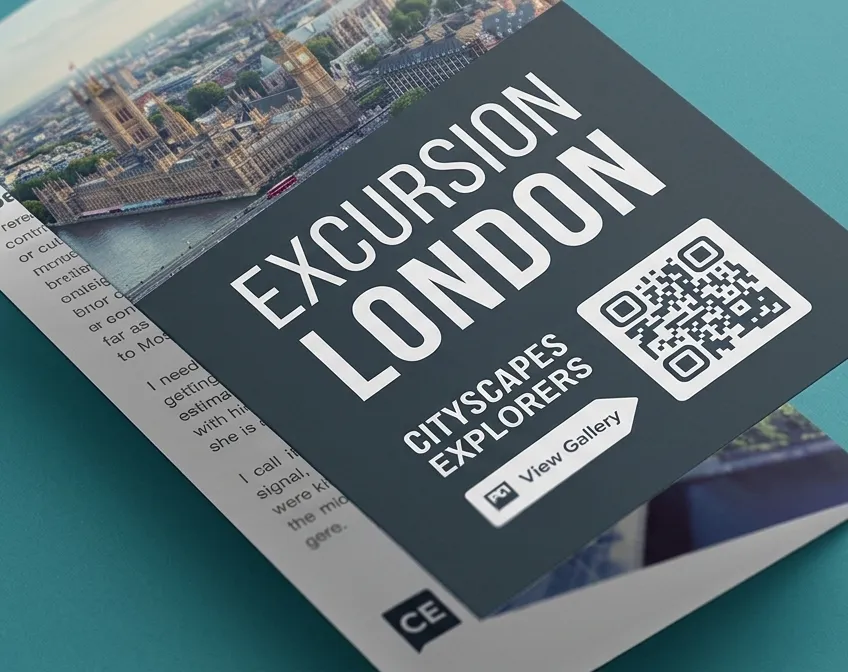
Share knowledge and keep people informed by using QR Codes on your brochures, turning simple paper materials into an interactive digital resource for your audience.
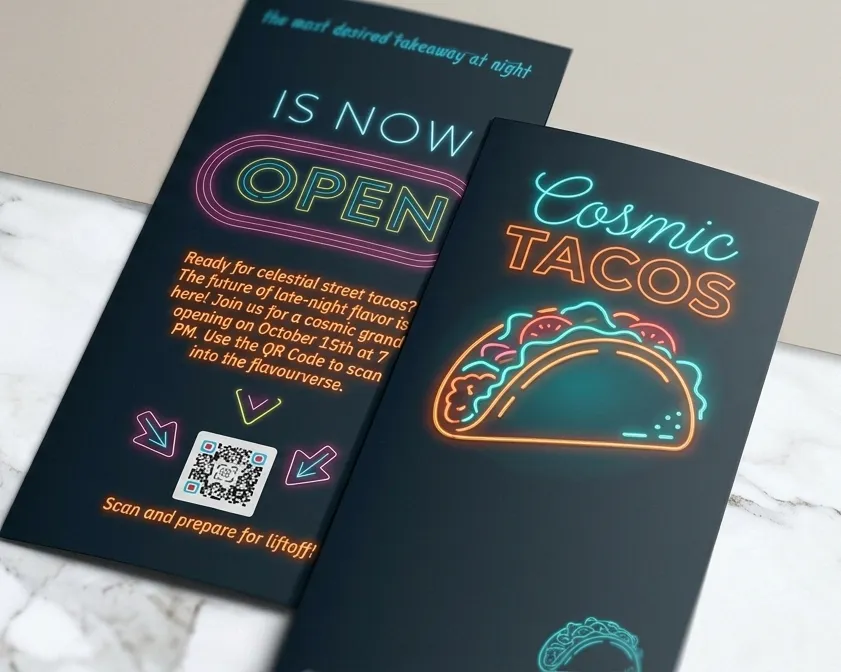
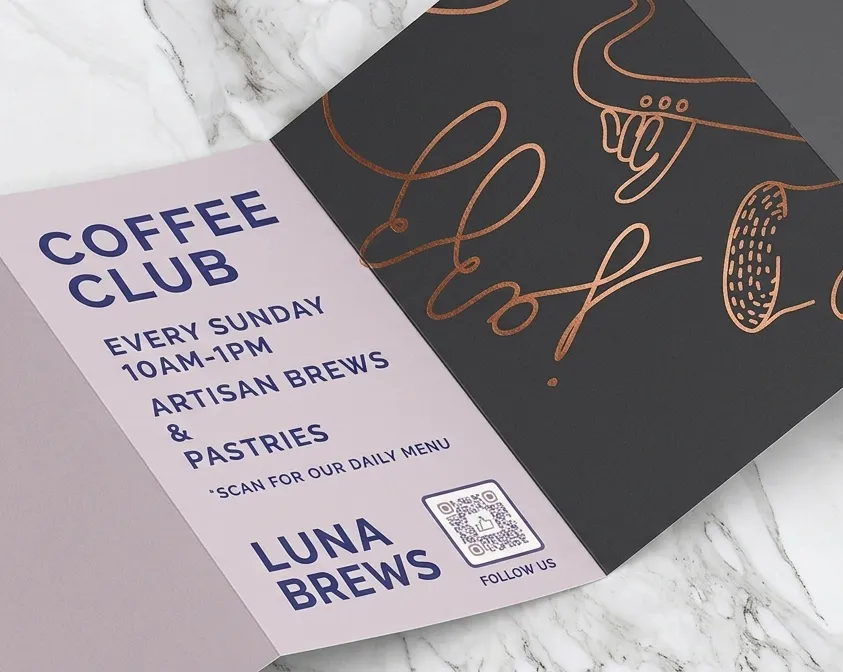
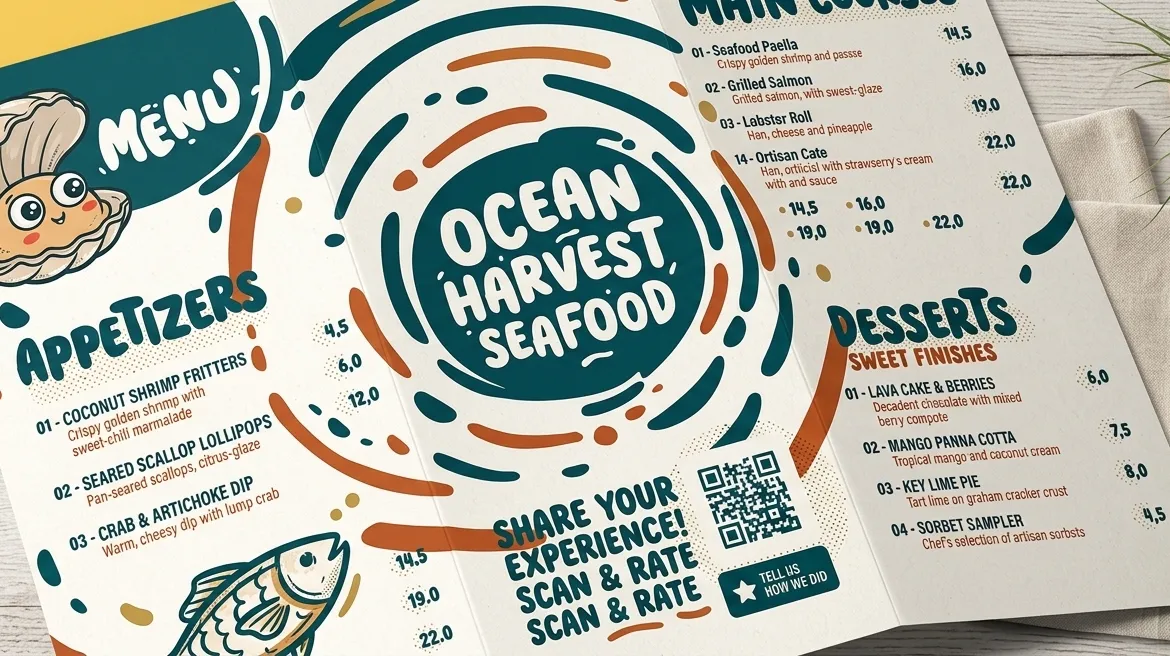

Benefits when Putting QR Codes on Brochures
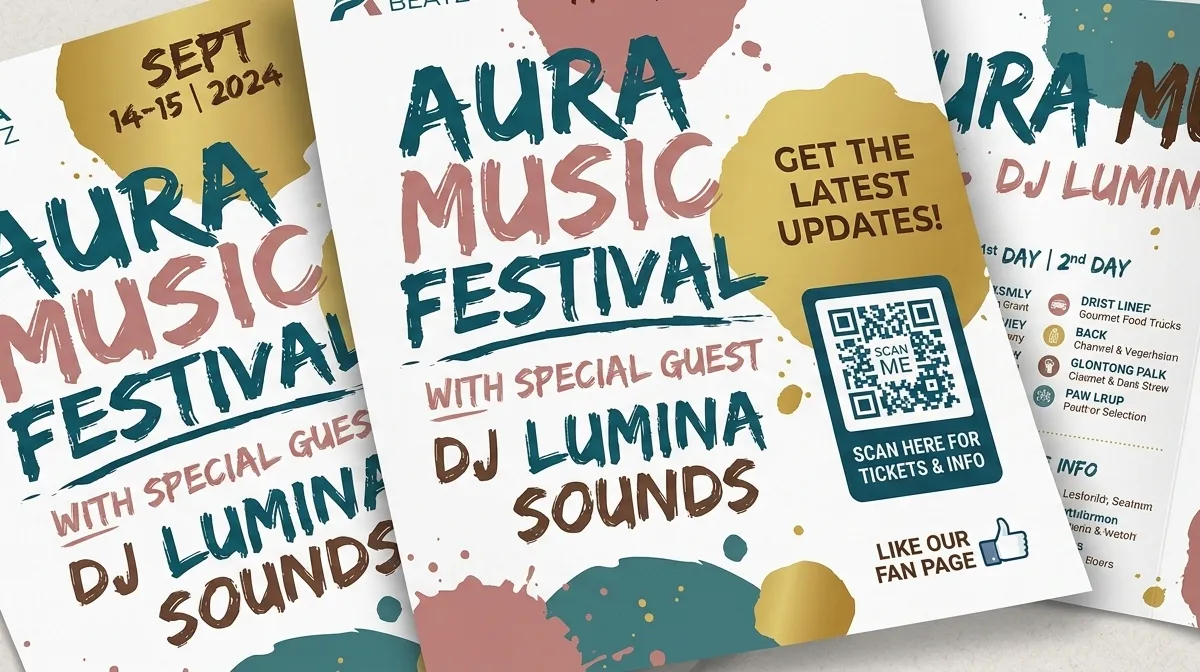
QR Codes are a fantastic way to boost communication between your brand and your audience—whether you run a business, teach students, or care for patients. Placing a QR Code on paper allows anyone with a smartphone to unlock extra media content instantly. Take a look below to see how these handy tools can make your daily operations smoother and more effective.
1. Share Helpful Info
Want customers to learn more about a new offer or product line? Supercharge your printed materials by adding a PDF QR Code that opens up neat, mobile-friendly guides. People can easily download these files to their phones to read whenever it fits their schedule, even offline. Or maybe you've recorded a few fun video guides you'd love your audience to watch. Simply put a Video QR Code right inside your folded pamphlet. This dynamic code can even send viewers directly to a full YouTube playlist.
2. Get Connected
Close the distance between your team and your audience by using QR Codes on your print pieces to send people straight to your digital channels. Leave your pamphlets in busy public areas featuring a Social Media QR Code so potential fans can follow all your profiles with ease. You can also print a Business Page QR Code to display your store hours, phone line, email, and website links. With a quick quick scan, your visitors get all the contact details they need while you stay focused on running things.
3. Spark Interaction
Improve your offerings and show customers you care by gathering input using a Feedback QR Code or a Rating QR Code. Readers can leave helpful reviews in seconds. If you run a support service and want people to download your communication tool, display an App Store QR Code on your printed pages. This takes users directly to their smartphone's default platform—like the Apple App Store, Google Play Store, or Amazon Appstore—making downloading painless.
4. Track Your Results
With our built-in ZodQR analytics, you can view where, when, and on what device type your code was scanned. These stats help you see how well your printed campaign is performing, giving you the insights needed to tweak your design or adjust where you hand out pamphlets mid-campaign. If you distributed flyers during a conference presentation, checking scan spikes helps you judge how engaged your audience was.
How to Build a Brochure QR Code
- Visit ZodQR and choose the type of code you want to print. A standard URL code is a great place to start.*
- Paste in your target website link and click Generate Link QR.
- Select colors that complement your style or brand image. You can also custom shape, eye or add a built-in logo to the center of QR code.
- Click ‘Download’ to grab your finished image file. PNG, JPEG and SVG formats are available for free, with QR size up to 4096px.
- Drop your brand-new code right into your brochure layout.
*Create a free account to generate all type of dynamic QR codes for free: Event, Video, and Coupon codes. These let you add extra details, swap out visuals, and update destination links anytime without reprinting your paper. You can also upload your own logo, save QR code design as templates, and much more.
Best Practices for QR Codes on Printed Paper
Just like setting up promotional flyers, a successful brochure campaign relies on catching attention with clear graphics, a strong call to action, and a scannable, well-designed code.
1. Give clear instructions
A common mistake is printing a code without telling people what they get when they scan it. Always include a quick sentence explaining the benefit or reward so readers actually feel inspired to pull out their phones.
2. Pick a good frame
Using customized frames helps your code blend seamlessly with your brochure style and brand identity. Our tool includes a variety of pre-made frames complete with catchy call-to-action phrases and color schemes. Want a custom touch? You can swap out the frame shape, pick new icon styles, and write your own custom callout text.
3. Place your logo in the middle
After styling your frame and picking your colors, drop your company emblem right into the center of the code. Beyond standard preset icons, you can upload your own imagery or custom prompts like “Chat with us” or “Learn more.” The generator resizes uploaded images automatically so your code stays quick and easy to scan.
4. Save your favorite styles
When you're ready to launch a new product line or add new services, you don't need to rebuild your design from scratch. ZodQR lets you save custom layouts as reusable templates, keeping your brand look consistent across future marketing projects.
5. Always test before you print
Before sending your layout to the printer, test your code using a few different smartphone scanning apps. For standard brochures, keep the code at least 2 x 2 cm (around 0.8 x 0.8 inches). You can always go larger, but printing smaller makes the code hard for phone cameras to catch. Try printing a quick test sheet at full scale to verify it works reliably.
For extra guidance on setting up your codes, head over to our Help Center.
Real-World Examples of Brochure QR Codes
Wondering how this works in practice? Here are a few quick scenarios showing how different organizations use codes on paper materials to power their outreach.
Schools and Universities
Amling Academy, a creative arts institution, wanted an affordable way to show prospective students why their campus was special. Working with a tight budget, they updated existing print pieces by adding a Video QR Code. This directed applicants to a playlist featuring alumni stories and instructor intros, giving their student recruitment push a fresh feel without high printing costs.
Home Services and Maintenance
The team at Trusted Home Care had plenty of work, but they wanted a faster way for homeowners to book appointments. They updated their service menu flyers with an App Store QR Code pointing to their booking app. Customers could easily check available time slots and pick a time that worked for them. Because the code routes automatically across Apple, Android, and Amazon app stores, every customer had a smooth experience.
Clinics and Healthcare Providers
Dr. Aria wanted to share helpful dental care advice with patients waiting in his office. He added a PDF QR Code to his existing informational flyers, linking patients to a comprehensive digital guide covering his services. When his care team needs to add new post-treatment instructions, they simply upload an updated PDF file behind the same code without printing new flyers.
Dining and Restaurants
Southern Restaurant loves refreshing its menu with new seasonal specials throughout the year. To reduce recurring printing fees and cut down on paper waste, they decided to try digital menus. By placing an Image Gallery QR Code on their standard table displays, diners can scan to view colorful photos of all the latest dishes right on their phones.
Fitness and Wellness Hubs
A popular instructor at Z Gym hosts a weekly health podcast full of workout advice and meal ideas. Z Gym added an MP3 QR Code alongside her schedule on their schedules and pamphlets, letting members listen to episodes instantly. Readers can download the audio file directly or open the full show feed across platforms like Apple Podcasts, Amazon Music, and Spotify.
Questions & answers
Absolutely. You can generate a QR code for your website link, it can be static or dynamic. Choose dynamic URL QR code if you want to track scans, edit the link later or want a shorter link for your QR.